
Fish and chips shop EPOS.
Keep the whole order together.
Take counter, collection and delivery orders for fish, chips and sides. Record portion choices and kitchen notes, then check the order before it leaves the counter.
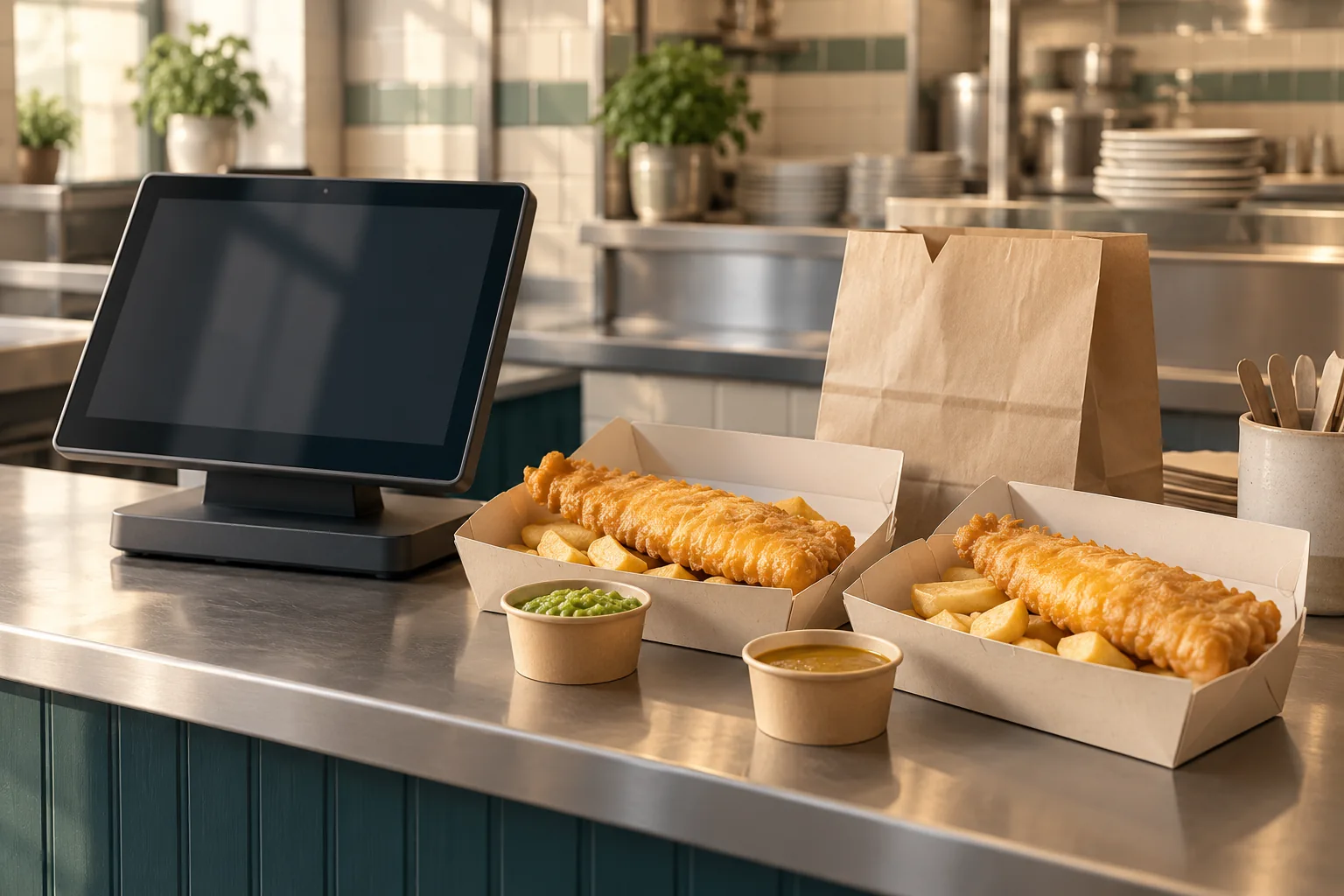
Check the sides.
Then check the bags.
“One regular cod and chips with mushy peas, one large haddock and chips with curry sauce, and two cans. Pack the meals separately.”
This is an illustrative collection request to discuss in a demo, not a recorded customer order.
First meal
Regular cod, chips and mushy peas.
Second meal
Large haddock, chips and curry sauce.
- At the till: check both fish choices, portion sizes, sides, drinks and collection prices. Keep differently configured meals on distinct order lines.
- In the kitchen: check the selected options and preparation notes in the kitchen view. Staff manage the preparation and mark the order ready.
- At packing: compare both meals, the side pots and the two drinks with the order. Confirm the packing instructions with the kitchen team when separating the meals.
- At collection: match the customer or courier reference and check payment status before handing over the complete order.
Bag separation is a staff check, not automatic bag assignment or packing verification. Preparation notes are shown in the kitchen; agree how any packing instructions are passed to the counter team.
Match the order.
Use the right reference.
Counter sales, collection orders from your own website and marketplace deliveries need a clear place in your service. POSMENTOR supports these workflows with the relevant account features and connections configured.
With Uber Eats or Deliveroo, review how fish portions, meal choices and sides match the POS catalogue. Check the incoming order and use the marketplace reference when the courier arrives. An order already marked prepaid on a marketplace should not be charged again at the till.
Your own restaurant website can take configured collection and delivery orders. Confirm the menu, ordering features and online payment gateway before opening that channel.
Marketplace activation and charges are separate from your software setup. Connecting a marketplace does not remove its commission, and online card-processing fees remain subject to your provider agreement.
Uber Eats POS integration · Deliveroo POS integration · Your own website ordering
What goes into
one fish supper?
The selling price alone does not tell you the cost of a portion.
Where inventory and recipes are enabled, link menu products to ingredient quantities, units and purchase prices. A regular cod meal and a large haddock meal need the appropriate fish and potato quantities in their recipes; the names do not calculate those quantities for you.
Review fish, potatoes, batter ingredients, sides and packaging. If you allocate frying oil to a portion, enter an explicit allowance rather than assuming the system measures oil use. Cooking yield and waste need their own assumptions.
Completed orders drive consumption from configured recipes. A note such as “sauce separately” does not rewrite that recipe. Missing quantities or prices leave the ingredient cost incomplete; they are not free ingredients. Labour, energy and overheads must also be considered before treating an ingredient margin as profit.
Work out a fish and chips portion cost with explicit potato yield and oil allowances.
Bring the menu.
Check the equipment.
Bring your fish and chips menu, meal offers and existing till, printer and card-terminal models. Agree what can be transferred, which choices need configuring and how staff will check orders at the pass.
For integrated counter payments, review the supported Dojo, SumUp or Square connection for your merchant account and terminal. Printer compatibility and physical printing need the relevant device setup.
If you need local-network operation, review POSMENTOR EL. Its store server and local network must remain available; cards, website orders and marketplaces have separate connection requirements.
Ask for a quote that separates the software plan, equipment, processing and any agreed setup or marketplace charges.
Check hardware compatibility · Compare POSMENTOR plans · Explore the wider takeaway workflow
Good questions.
Straight answers.
Have something else in mind?
Ask the teamCan POSMENTOR handle fish on its own and fish and chips meals?
Yes, using products, configured choices and extras that reflect your menu. Review what each meal includes and how portions, sides and prices are set up. A product name alone does not configure a meal deal or its ingredients.
Can eat-in, takeaway and delivery have different prices?
POSMENTOR supports separately configured service prices. Check the base price and any selected-option prices for each channel before staff start using the menu.
How do I check a collection order before handover?
Compare fish, portions, sides and drinks with the order, and confirm packing instructions with the kitchen team. Match the customer or marketplace reference and check payment status. Packing and bag separation remain staff checks.
Can I connect Uber Eats, Deliveroo and my own website?
These connections are supported with the required account features, provider access and setup. Review menu matching and order handling before rollout. Marketplace commission and payment-provider charges remain separate.
Can I keep my current till, kitchen printer and card machine?
Possibly. Share the exact models, operating system and connection details. Compatibility depends on the hardware and provider setup, so confirm it before budgeting to reuse equipment.
Less juggling.
More hospitality.
Get a feel for POSMENTOR in your own time.
Or let us show you around.