
Every module below is part of POSMENTOR — from operations hub and order terminal to finance, inventory, and guest digital experiences.
01.Platform & Operations
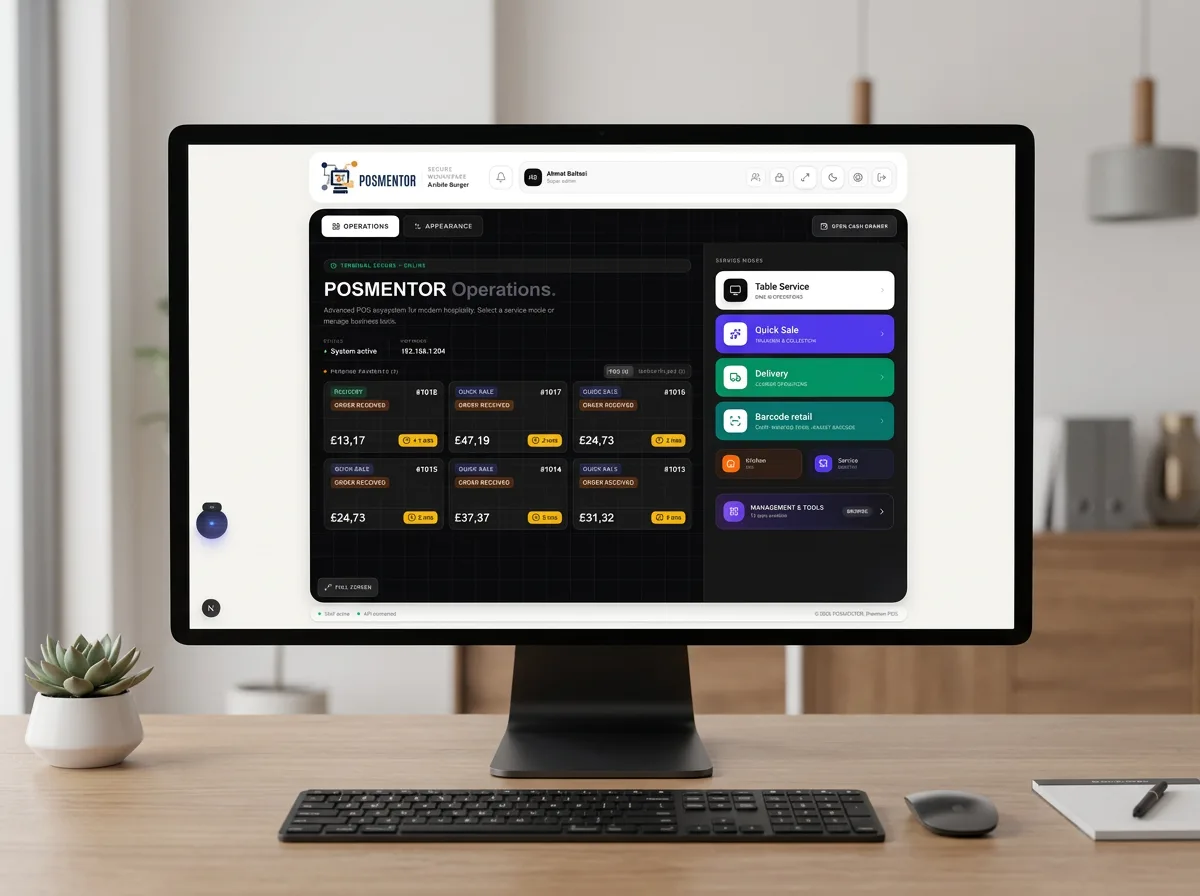
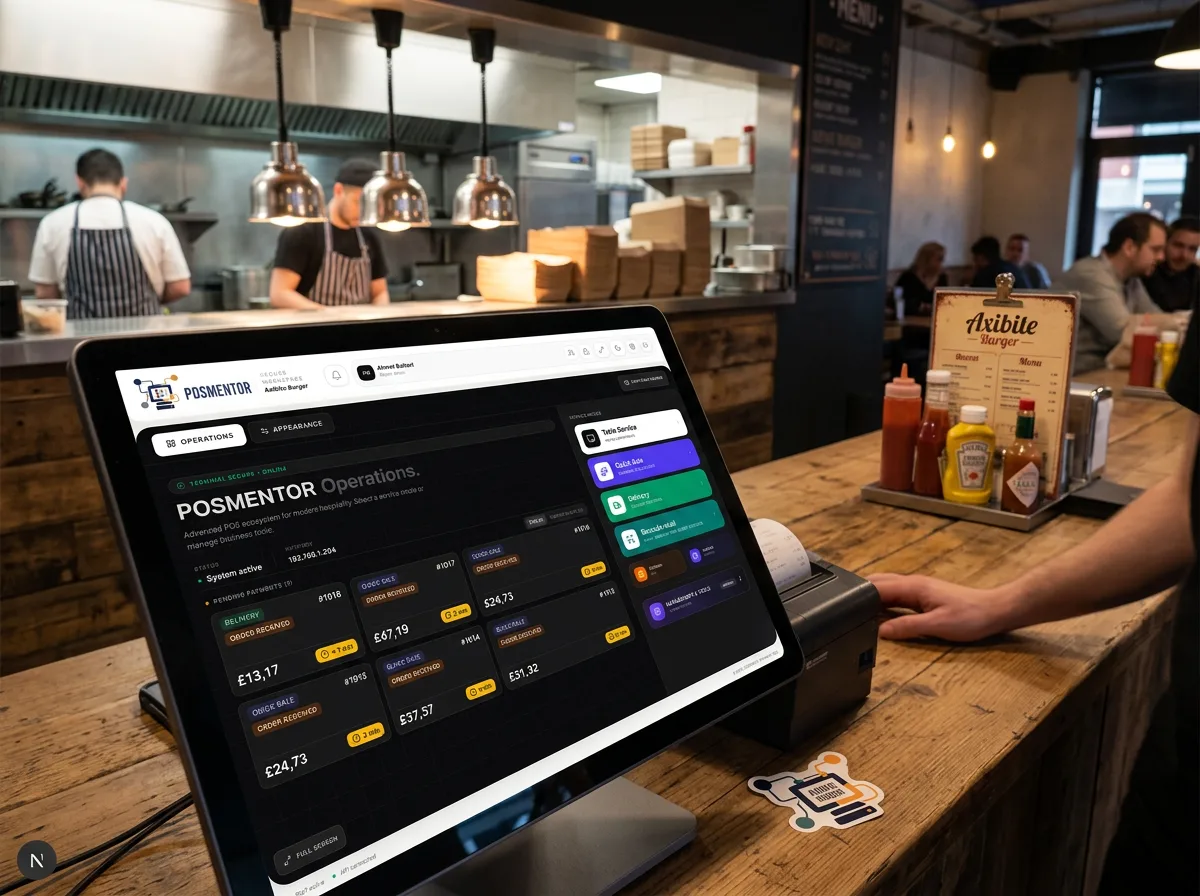
Operations Hub
Your venue command centre: service modes, pending payments, kitchen and dispatch shortcuts, and the management tool gateway — all from one landing screen.
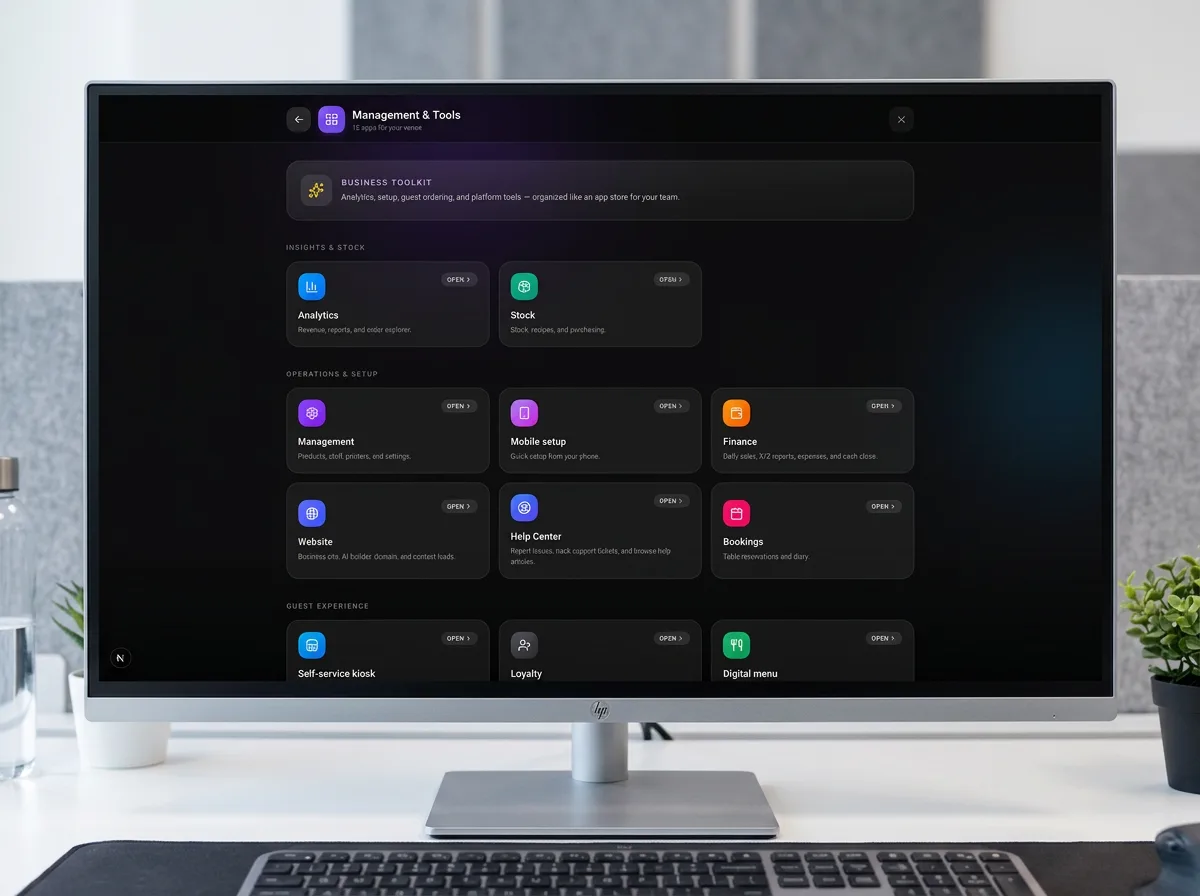
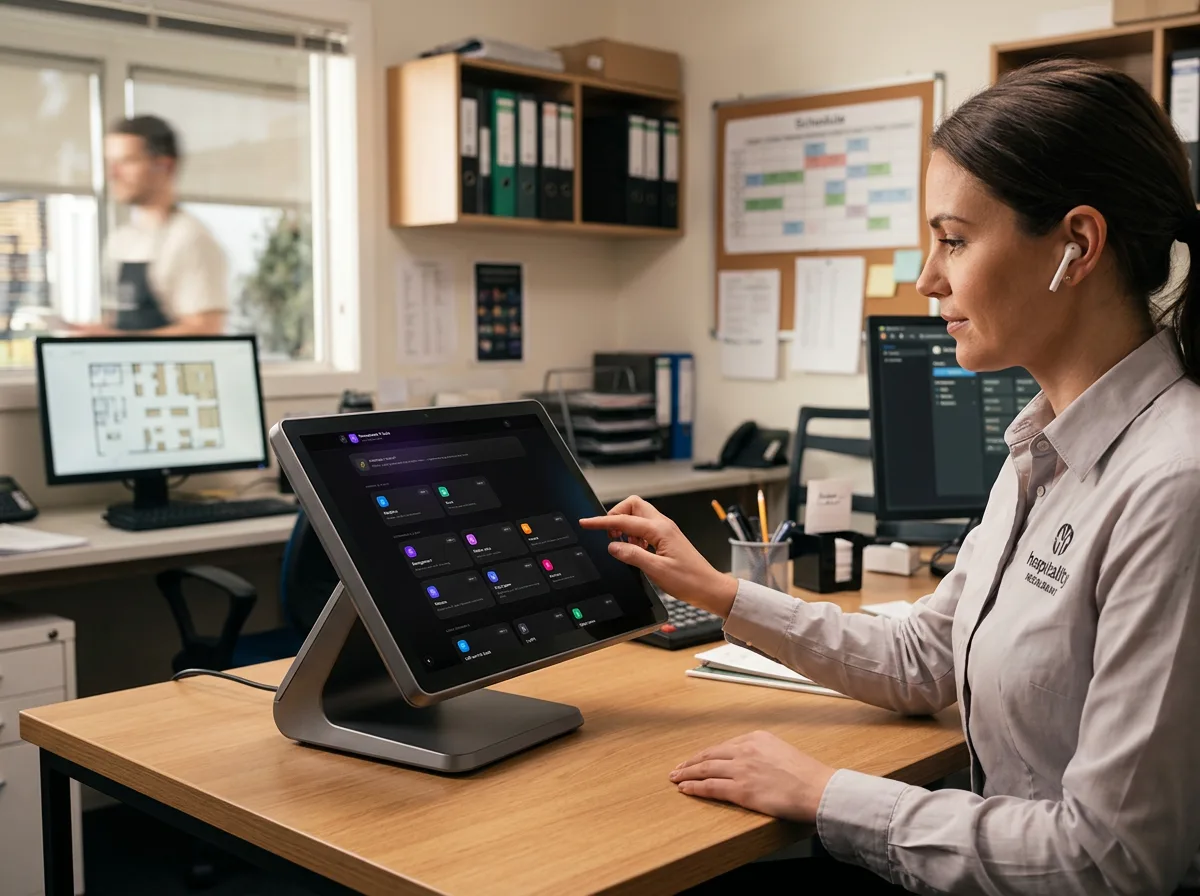
Management & Tools
Business toolkit, analytics, stock, and operations setup — menus, mobile setup, help centre, bookings, and license-gated modules.
02.Table & Floor
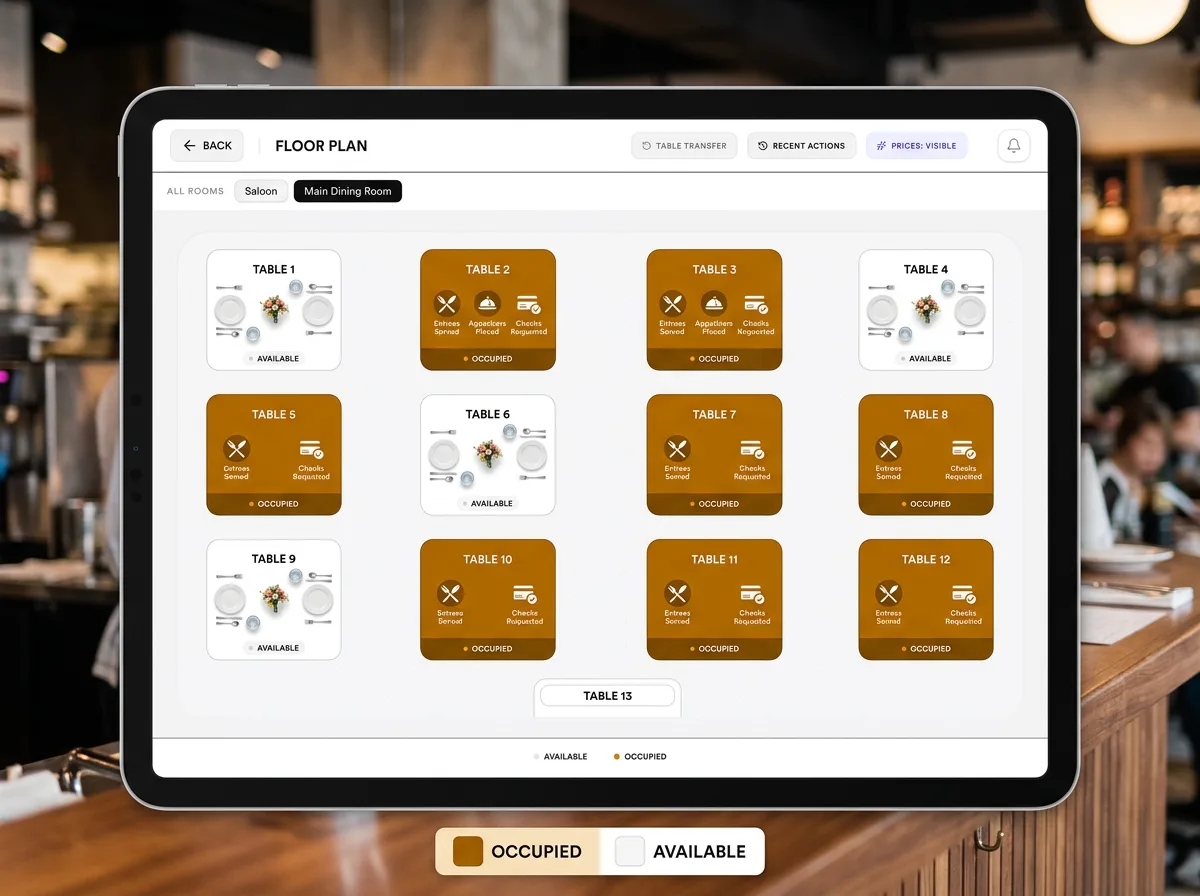
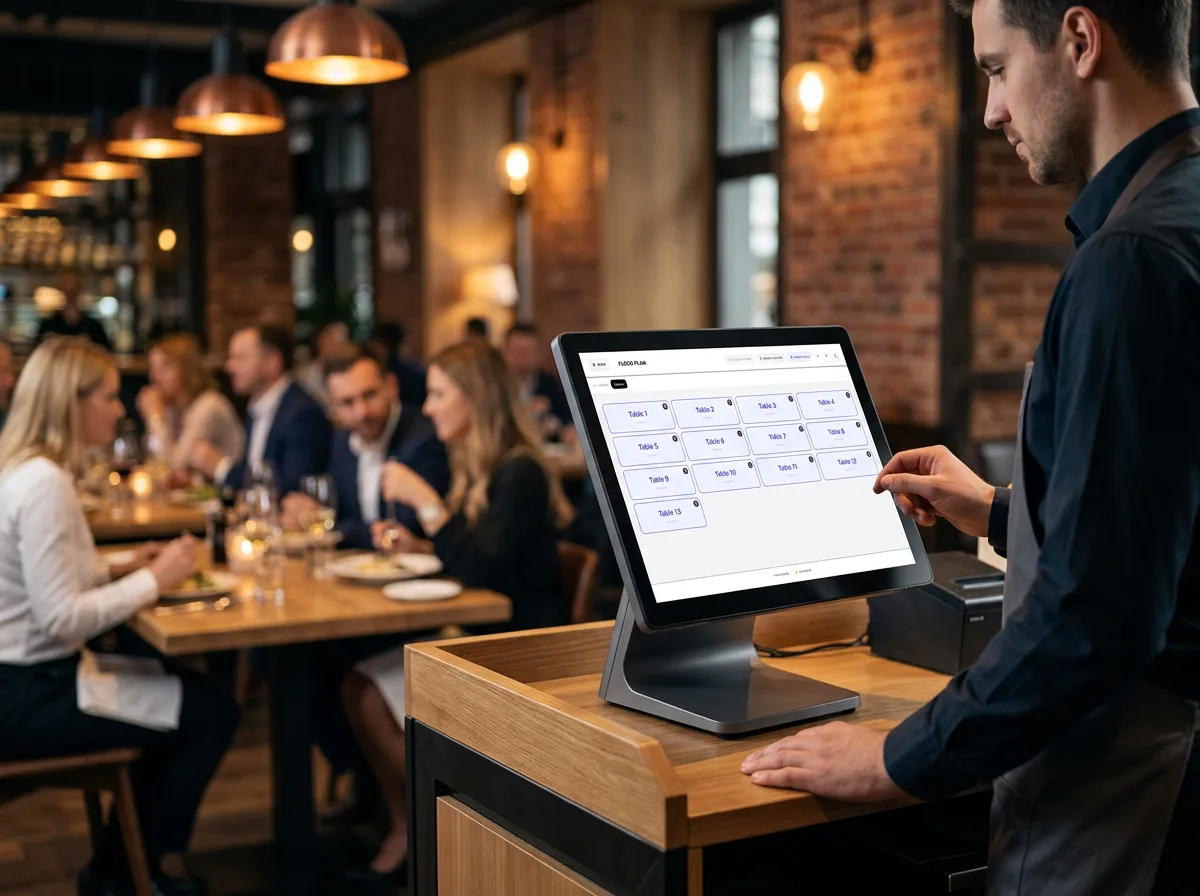
Table Selection & Floor Plan
Interactive floor plans with live table status. Open, transfer, and manage persistent table sessions during dine-in service.
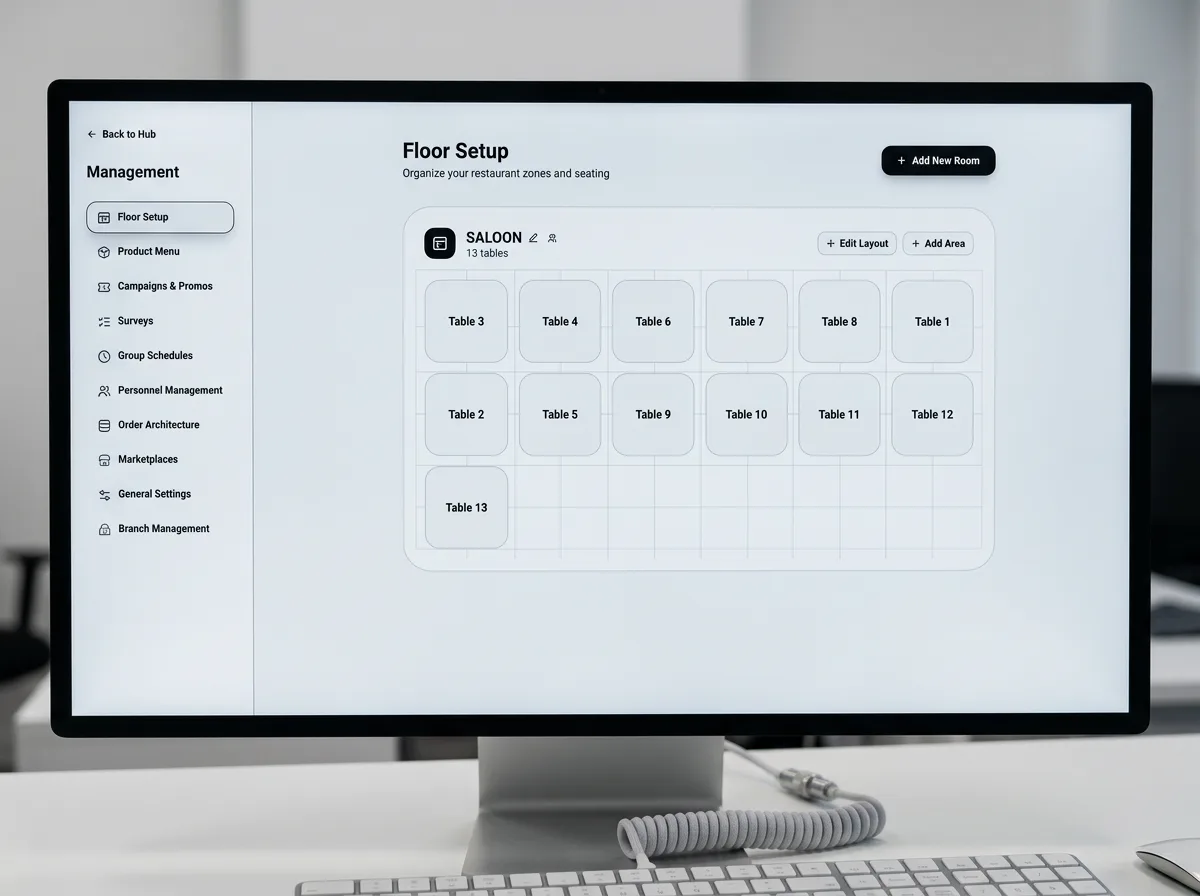
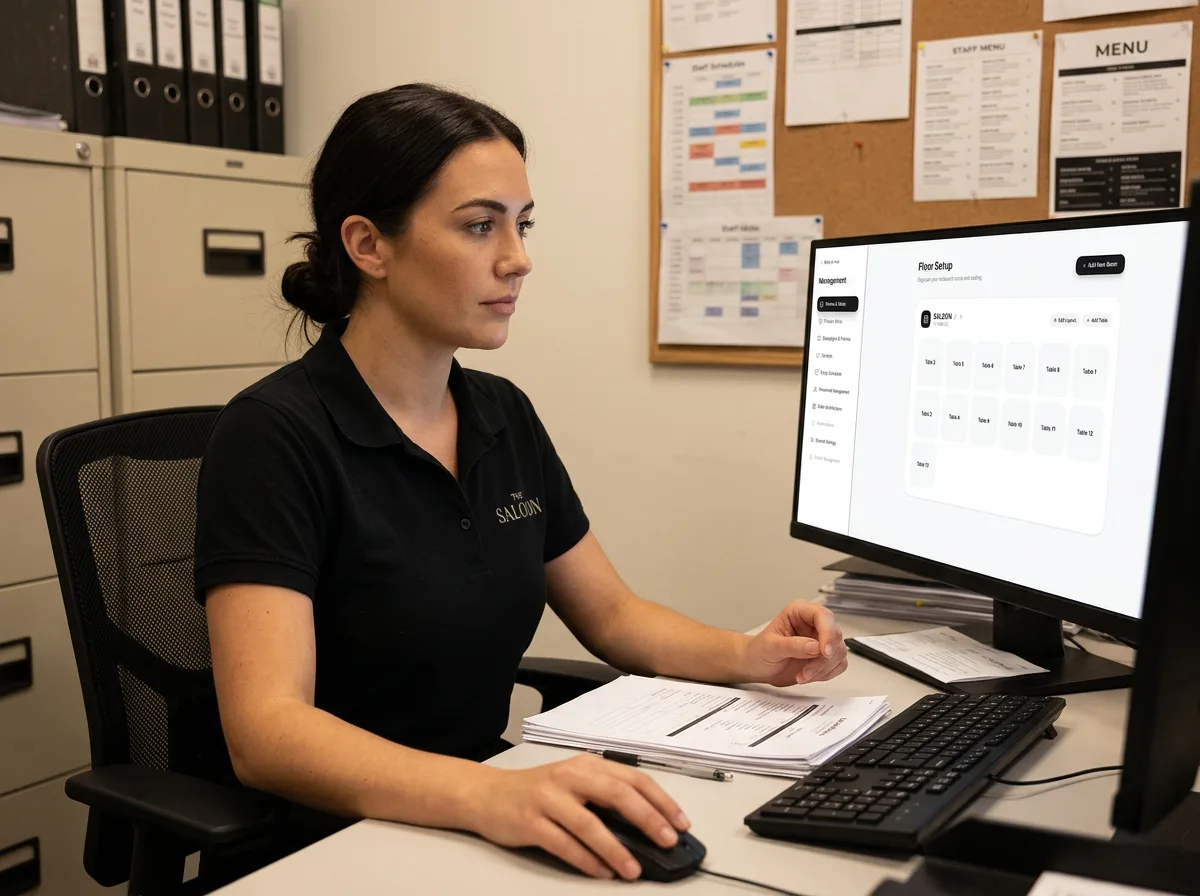
Floor Setup
Design room layouts and table grids in management — configure saloons, table numbers, and capacity before service starts.
03.Order Terminal
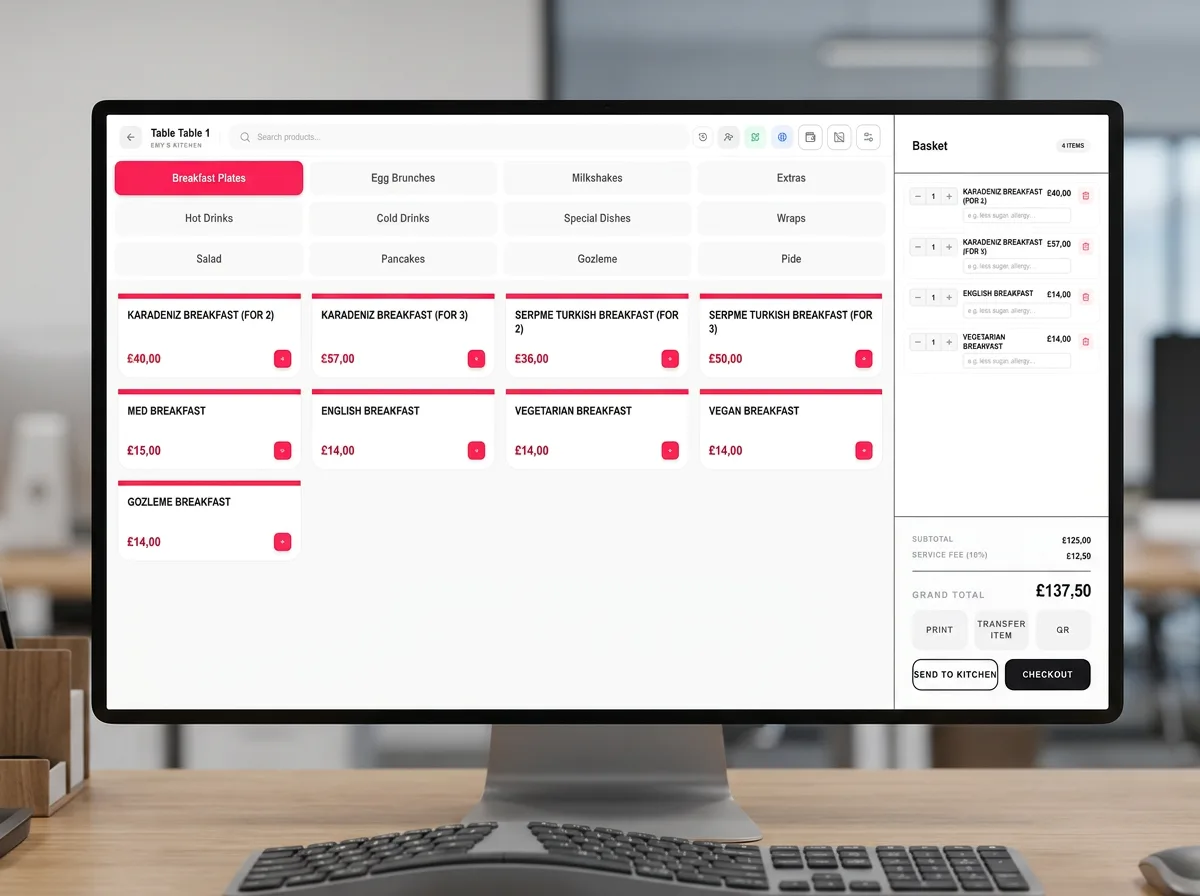
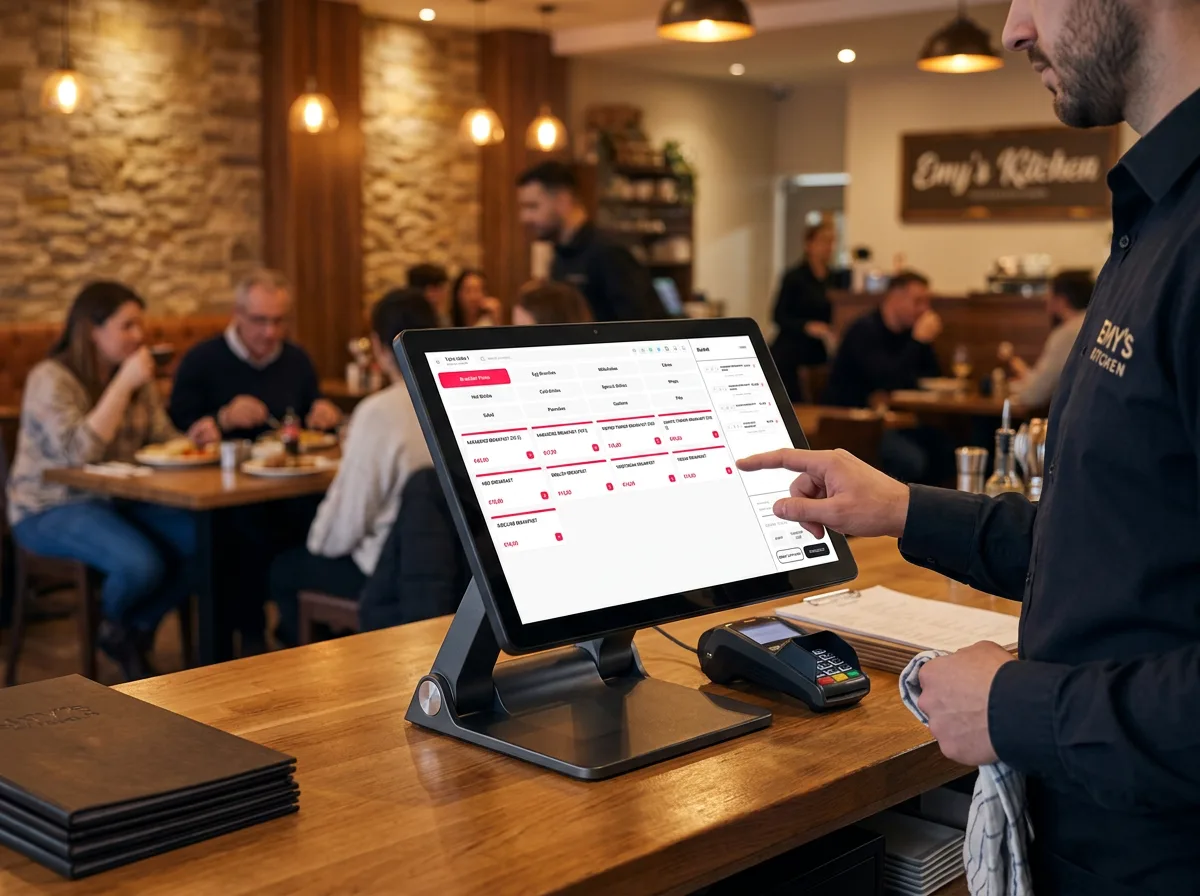
Order Entry Terminal
Fast menu browsing with basket management, product extras and modifiers, and send-to-kitchen routing for every service mode.
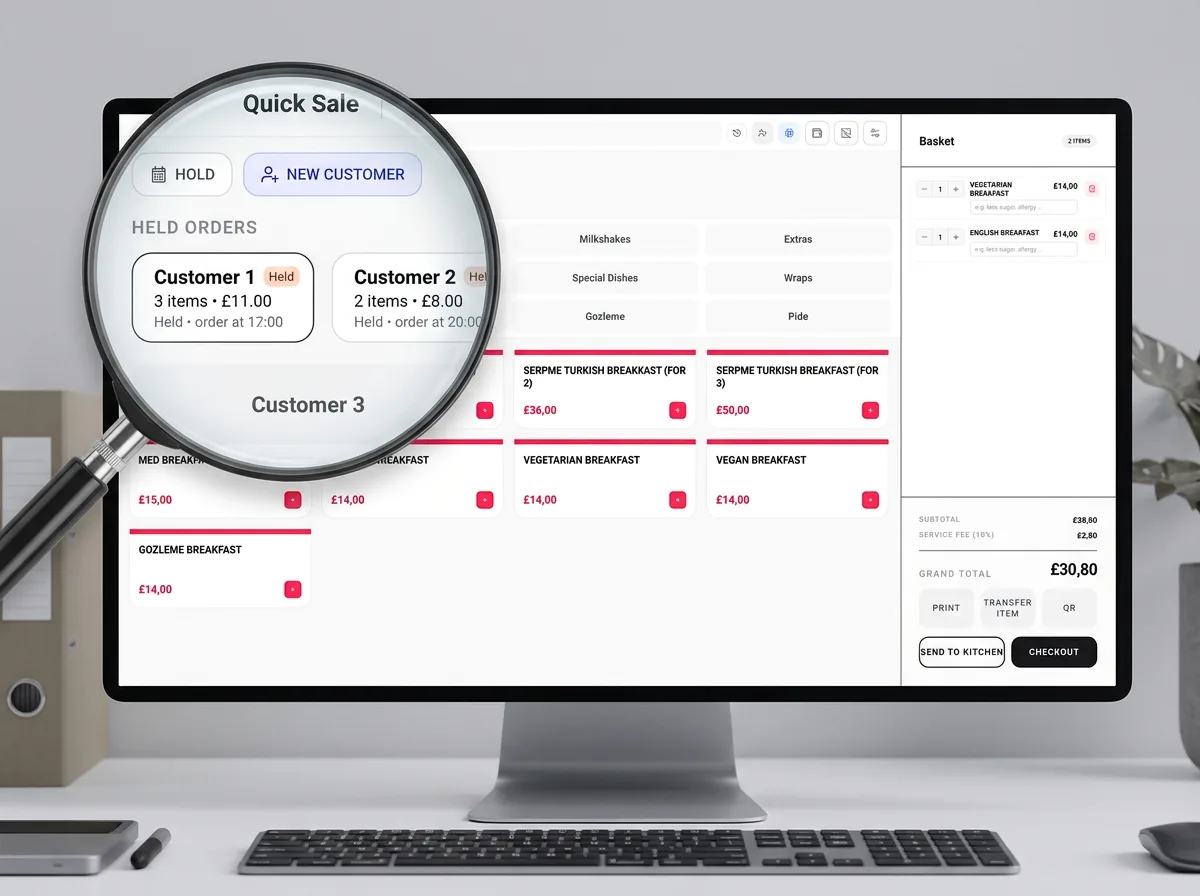
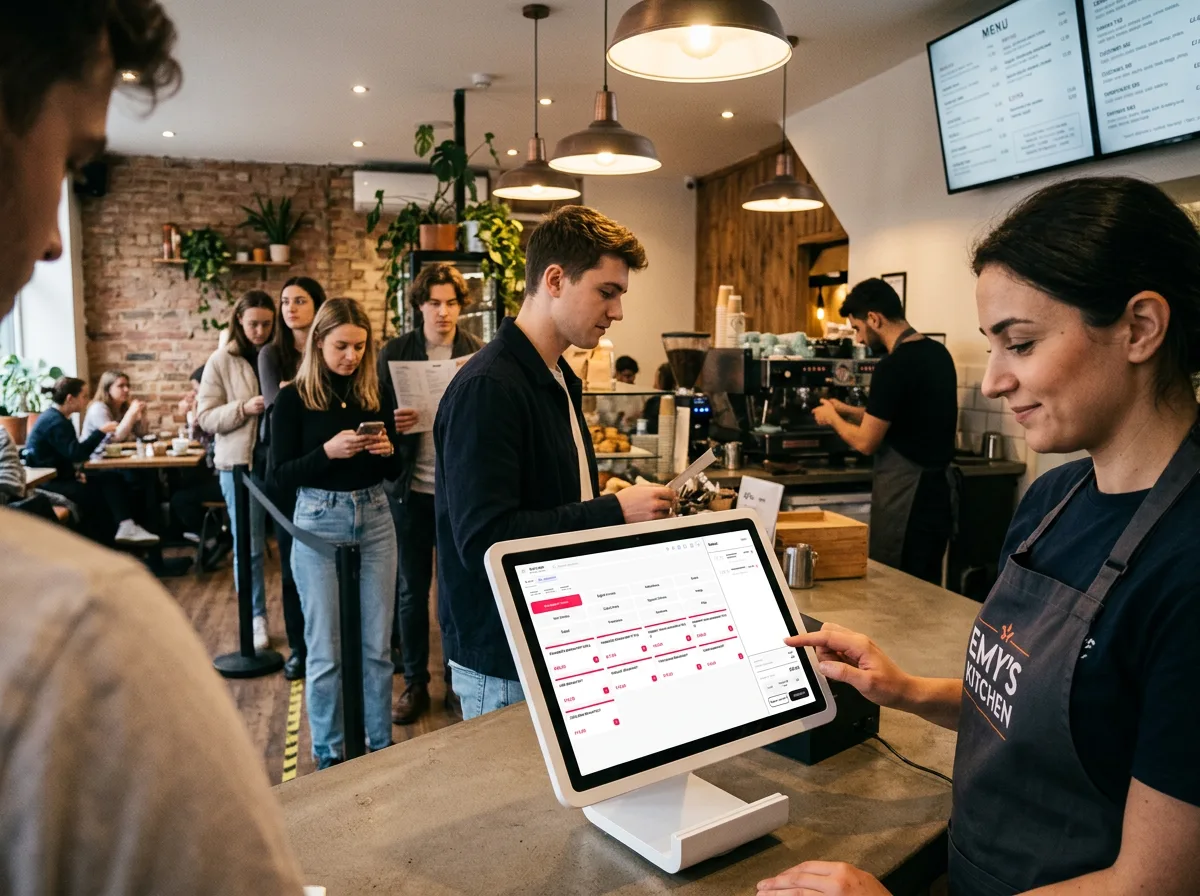
Quick Sale & Held Orders
Counter workflows with held customer tabs. Resume unpaid quick-sale and delivery orders from the operations hub pending list.
04.Payments
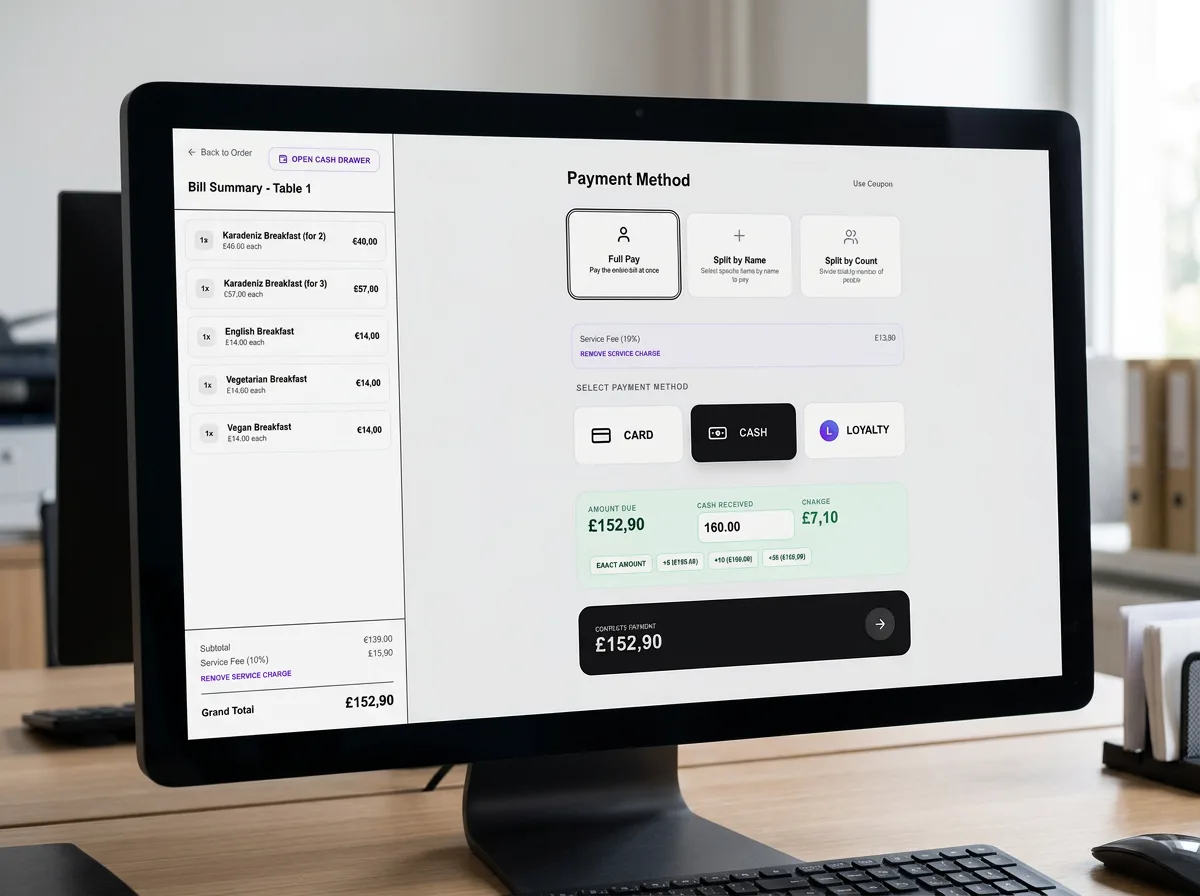
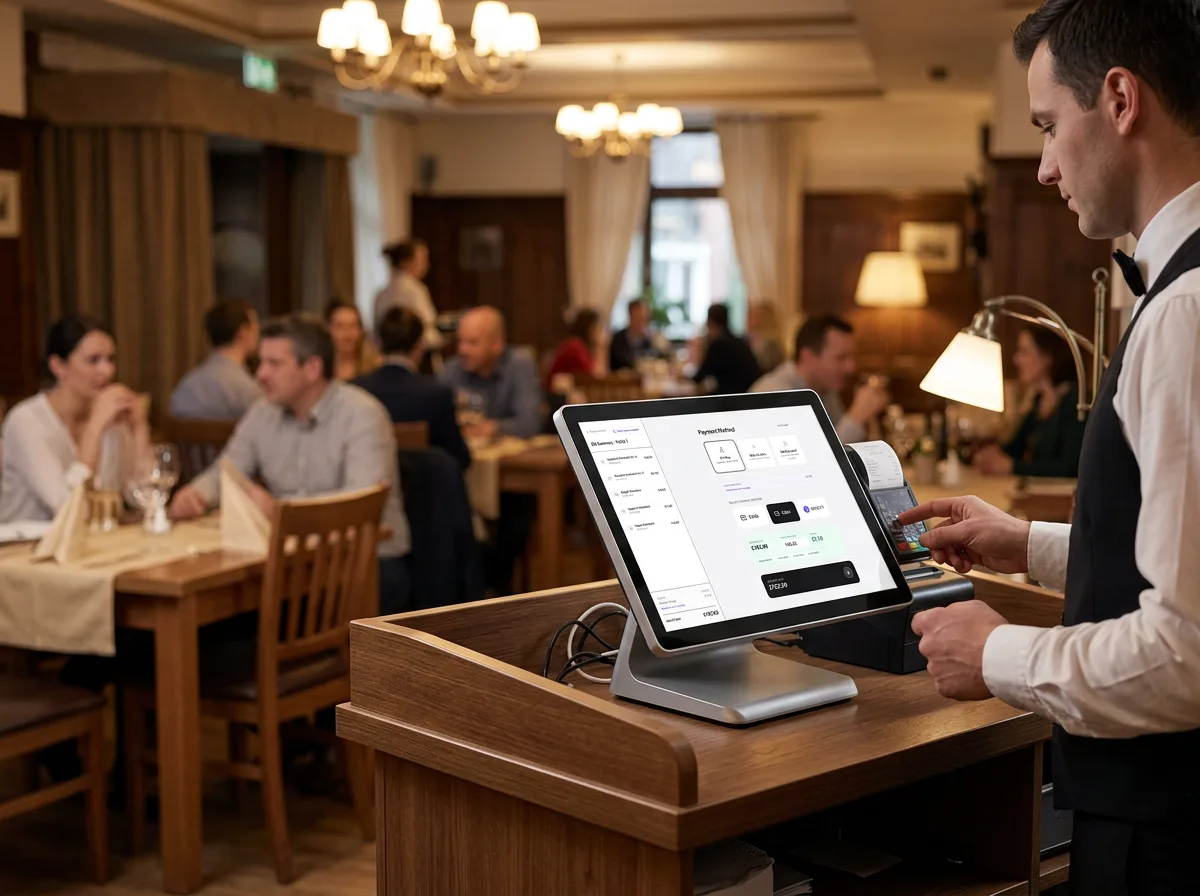
Checkout & Payments
Full pay, split by name or count, and card, cash, or loyalty settlement — with an accurate bill summary before you close the order.
05.Kitchen & Dispatch
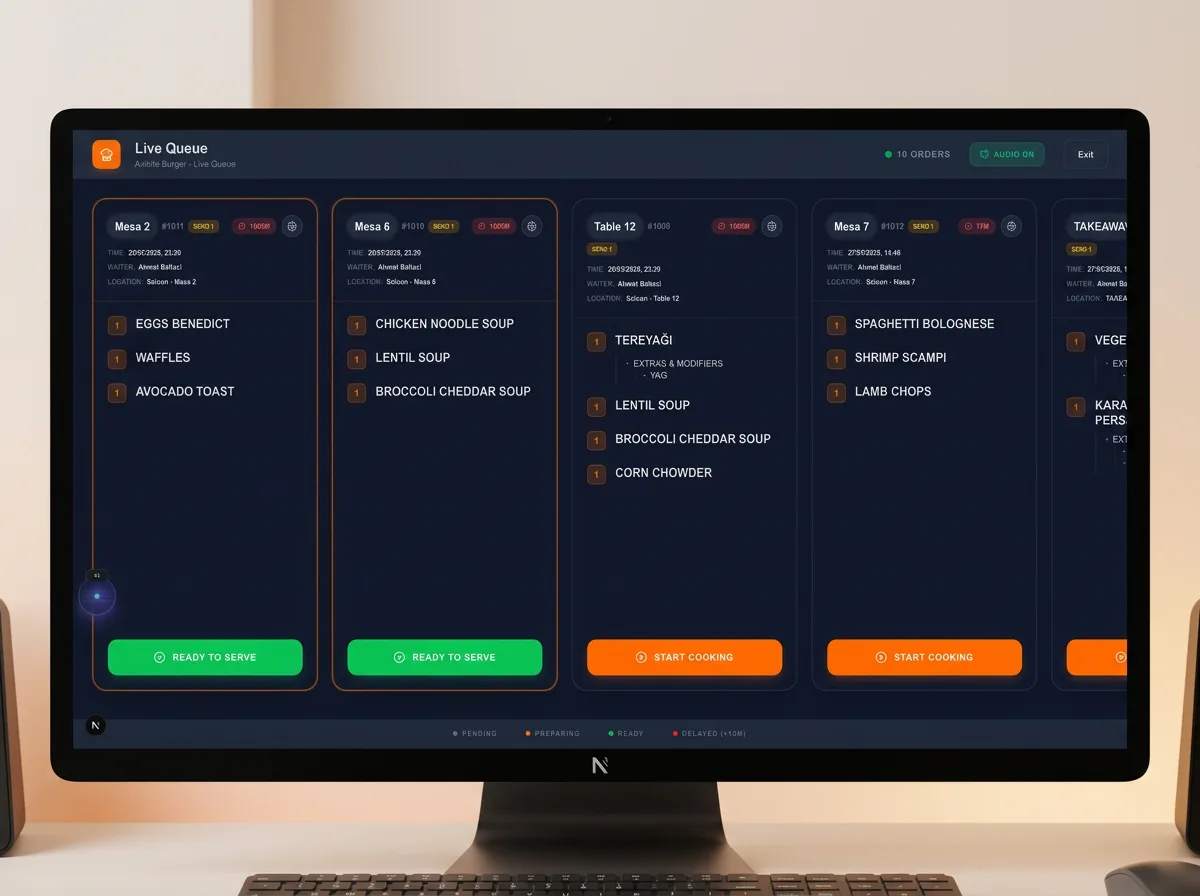
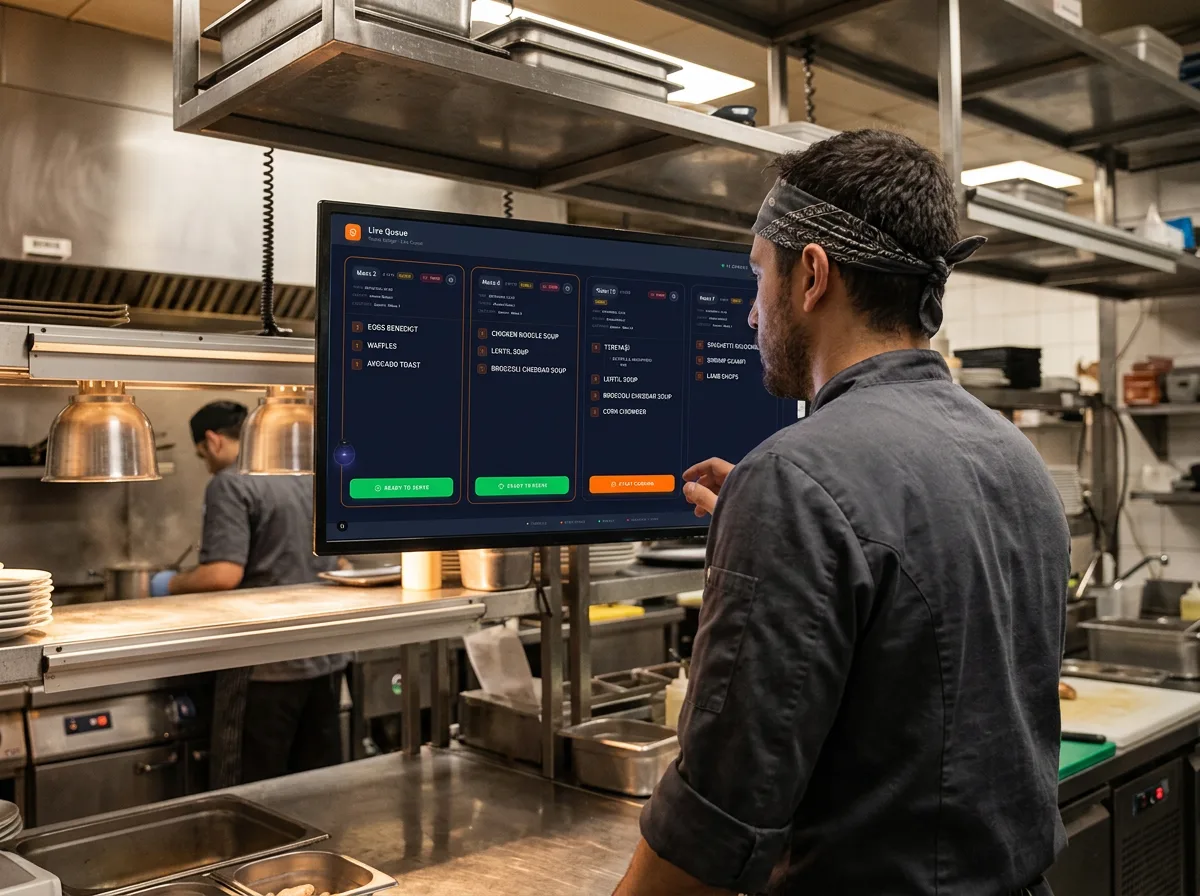
Kitchen Display (KDS)
Live queue for all order types with real-time updates and audio alerts when new items hit the kitchen — dine-in, delivery, and quick sale.
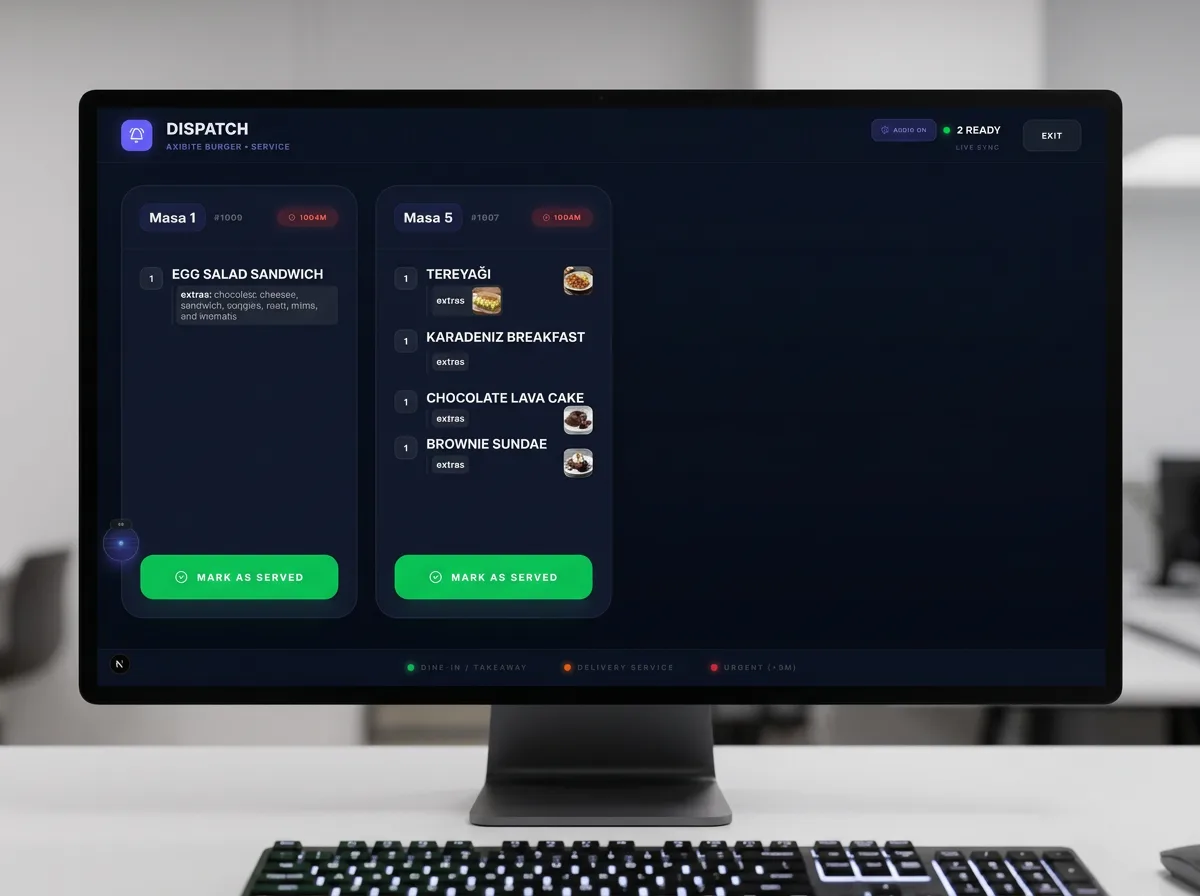
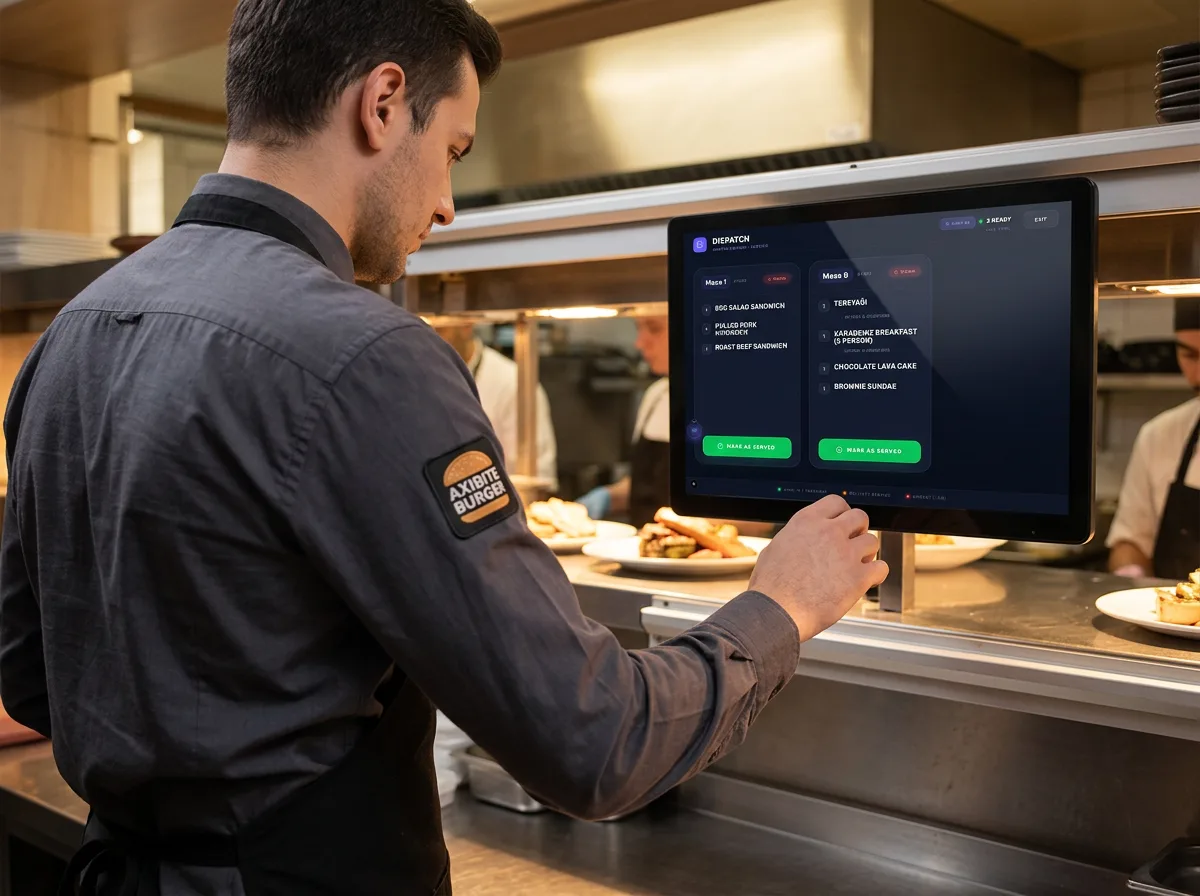
Dispatch Display
See ready orders at a glance and mark tables served or delivery out — keeping front-of-house aligned with kitchen output.
06.Analytics
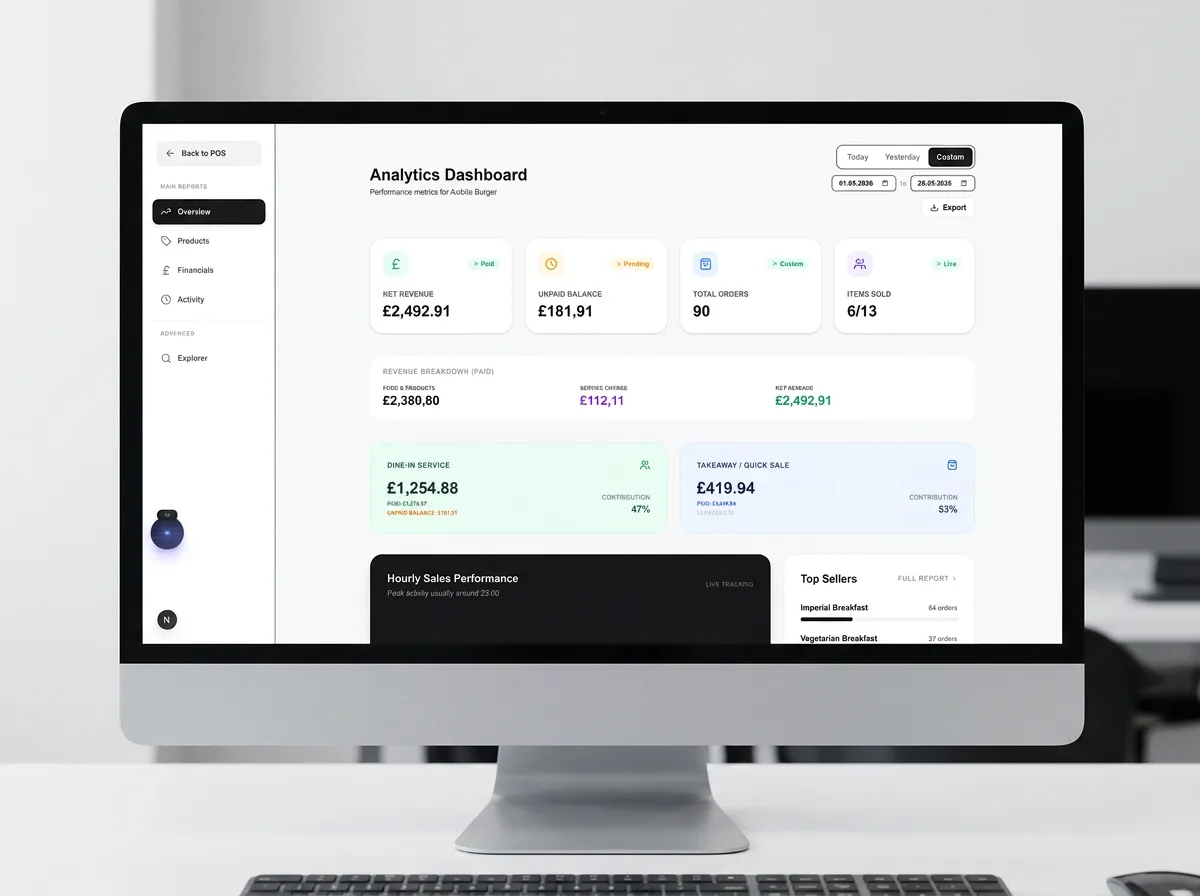
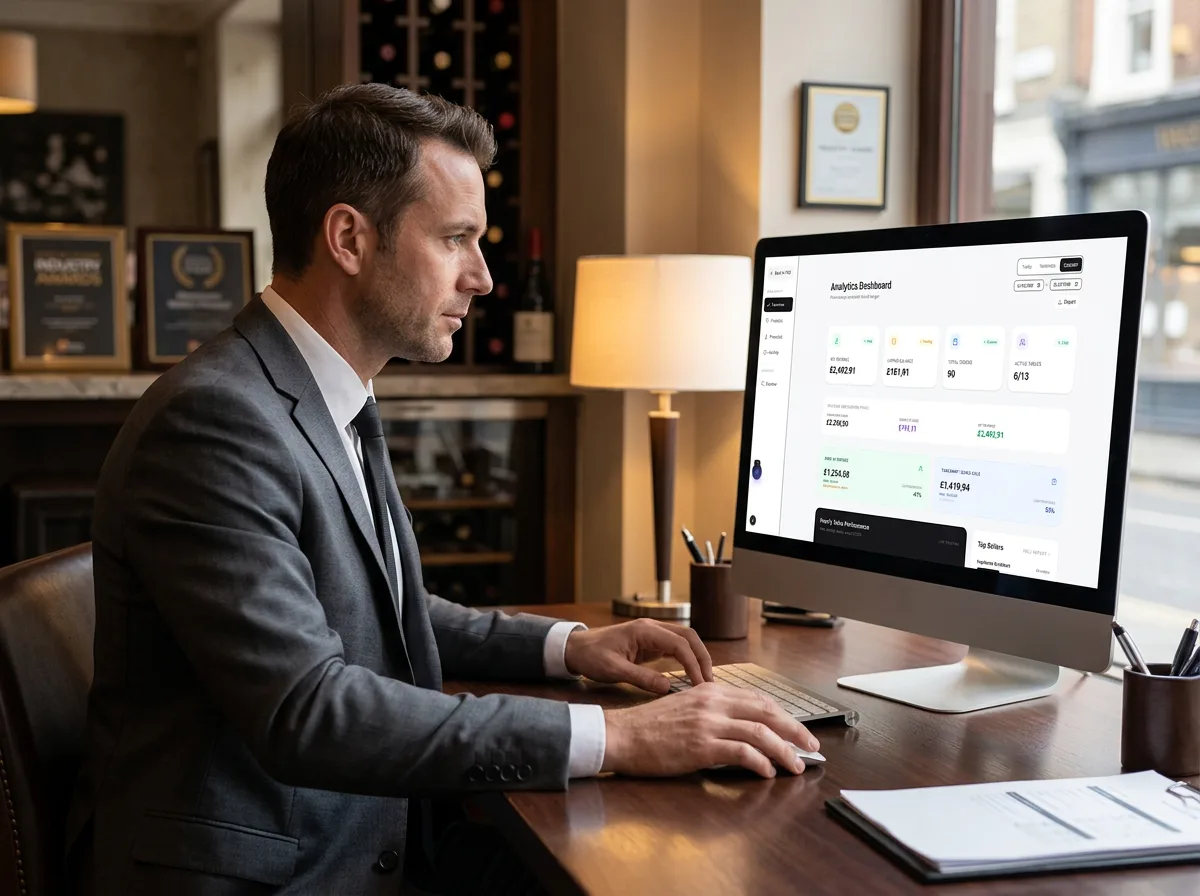
Analytics Overview
Revenue dashboard with total sales, net profit, order counts, and breakdowns by service type and payment channel.
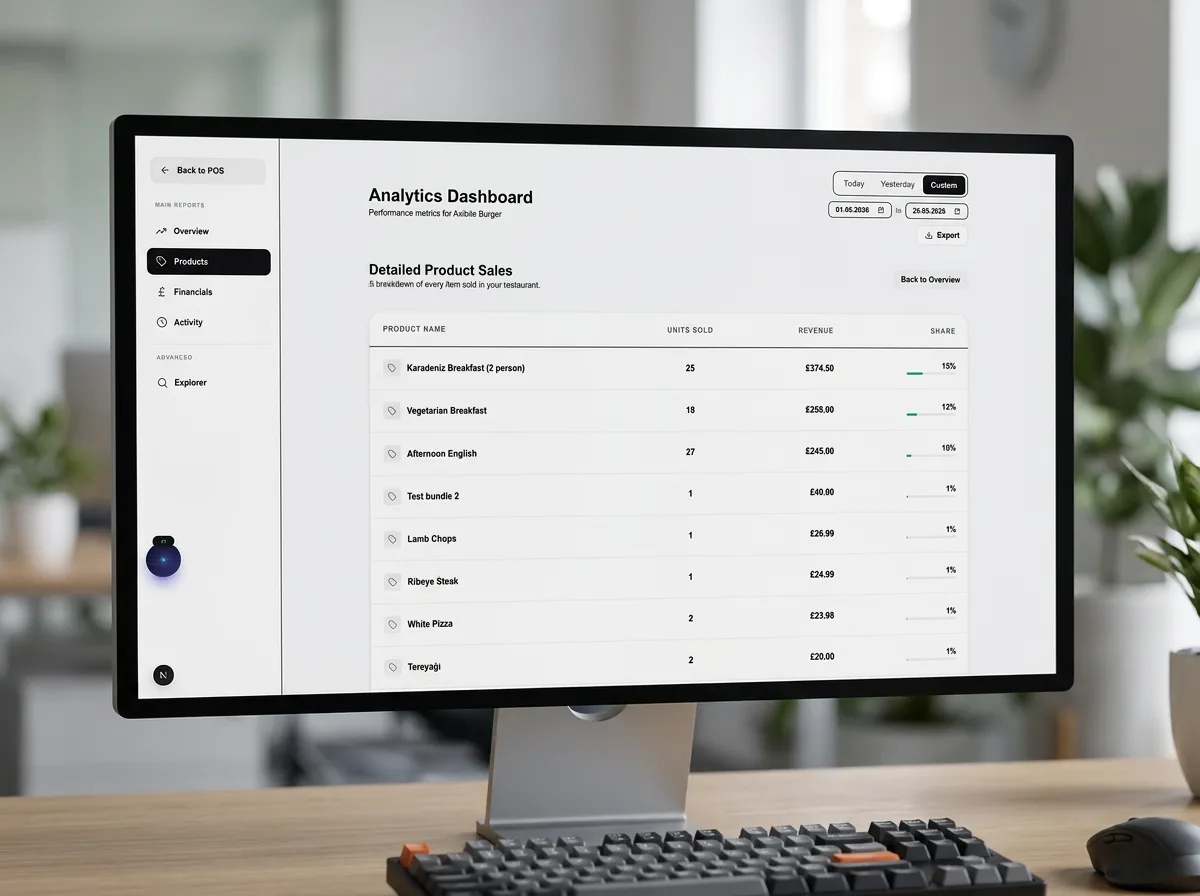
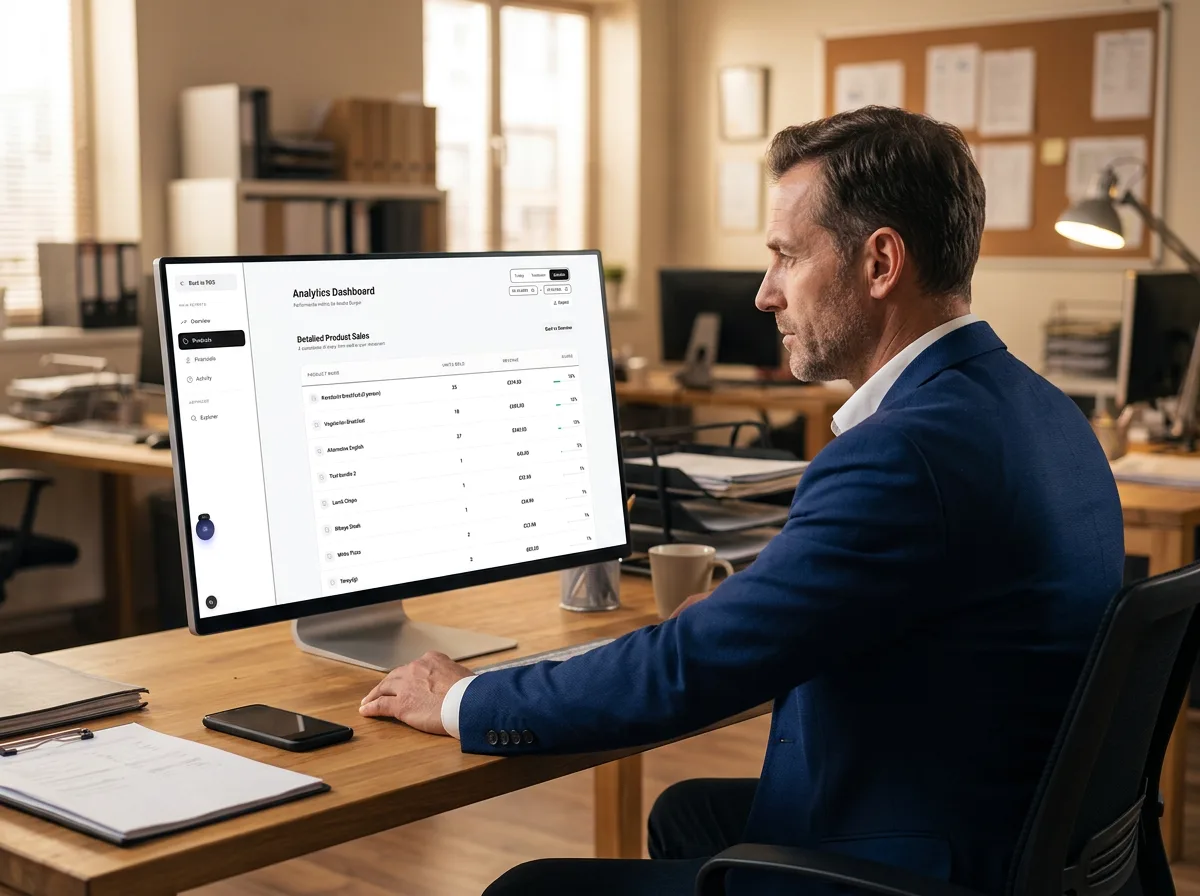
Product Sales Detail
Detailed product sales table with units sold, revenue, and share — drill into what drives your menu performance.
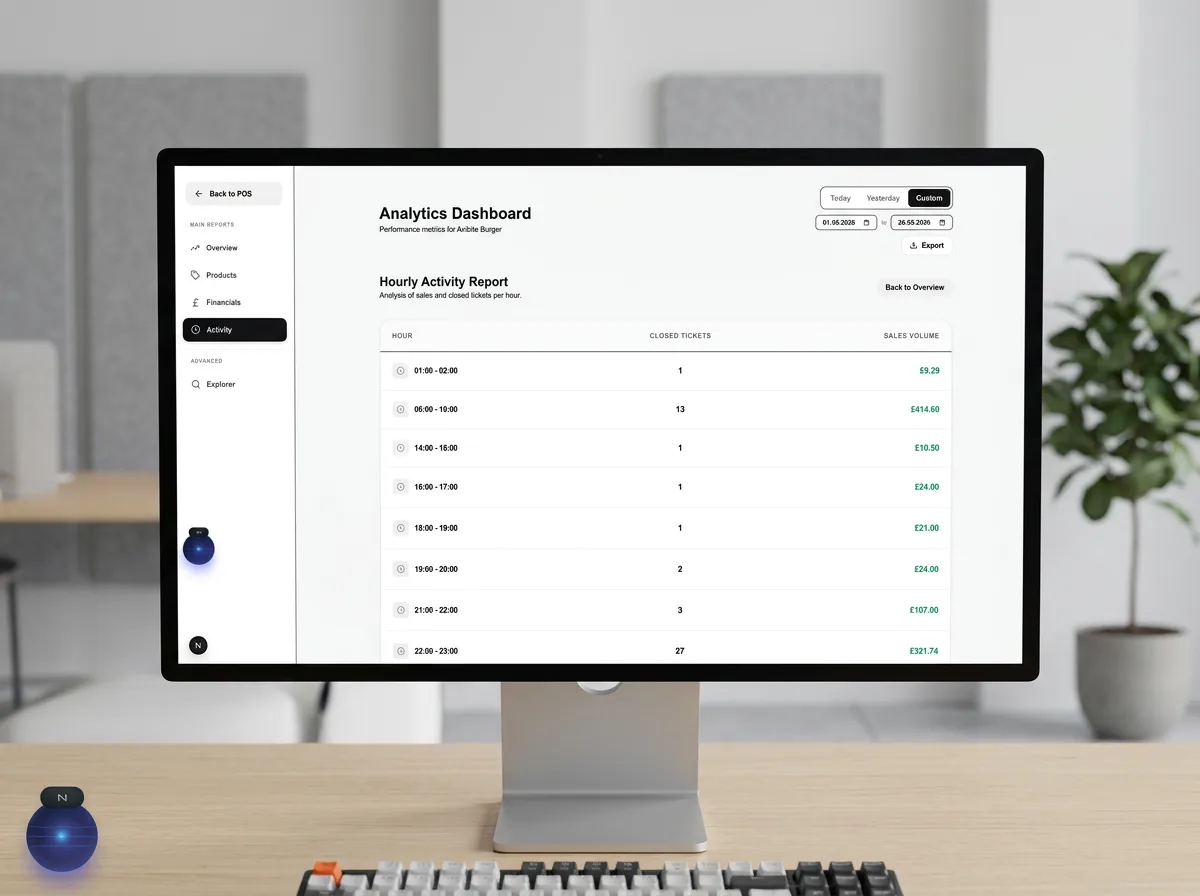
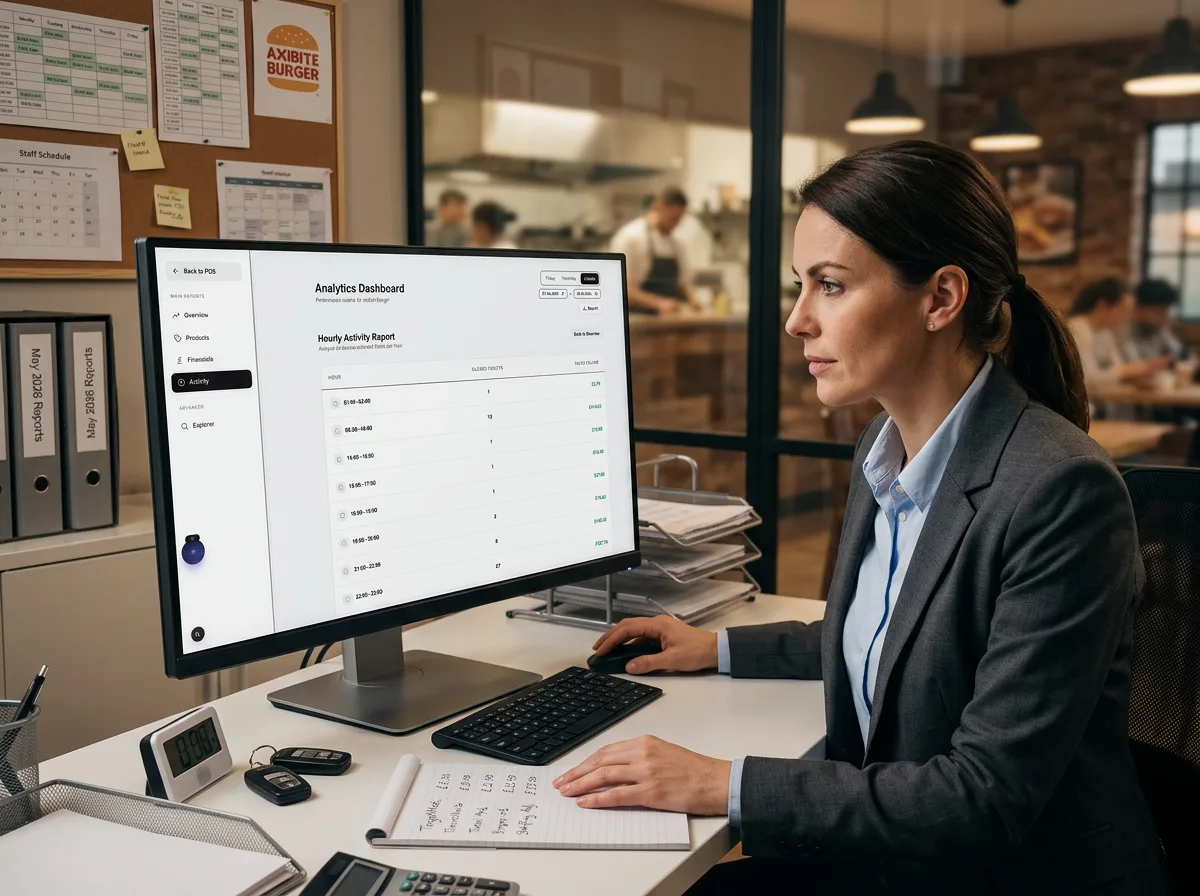
Hourly Activity Report
Hour-by-hour closed tickets and sales volume to plan staffing, prep, and peak-period promotions.
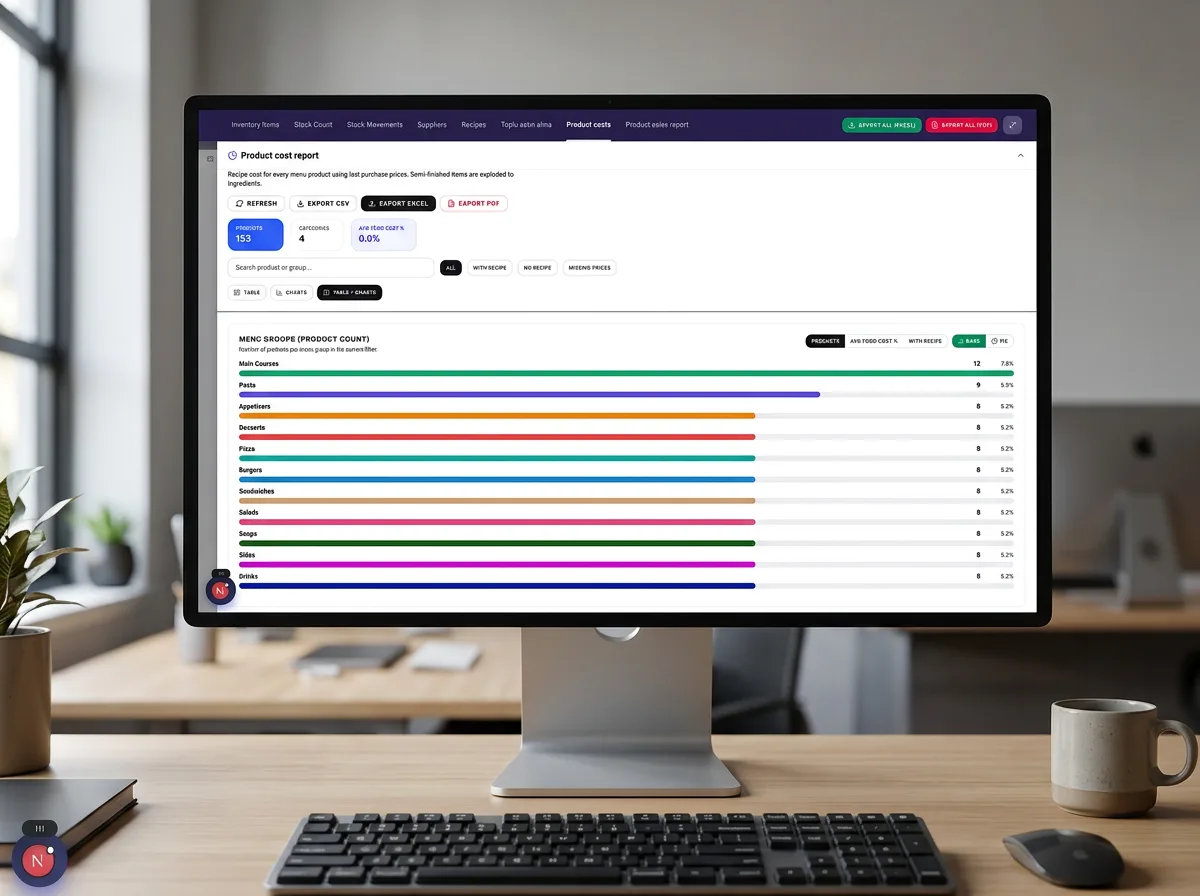
Product Cost Report
Menu-wide cost metrics with category breakdowns — average cost percentage and product counts at a glance.
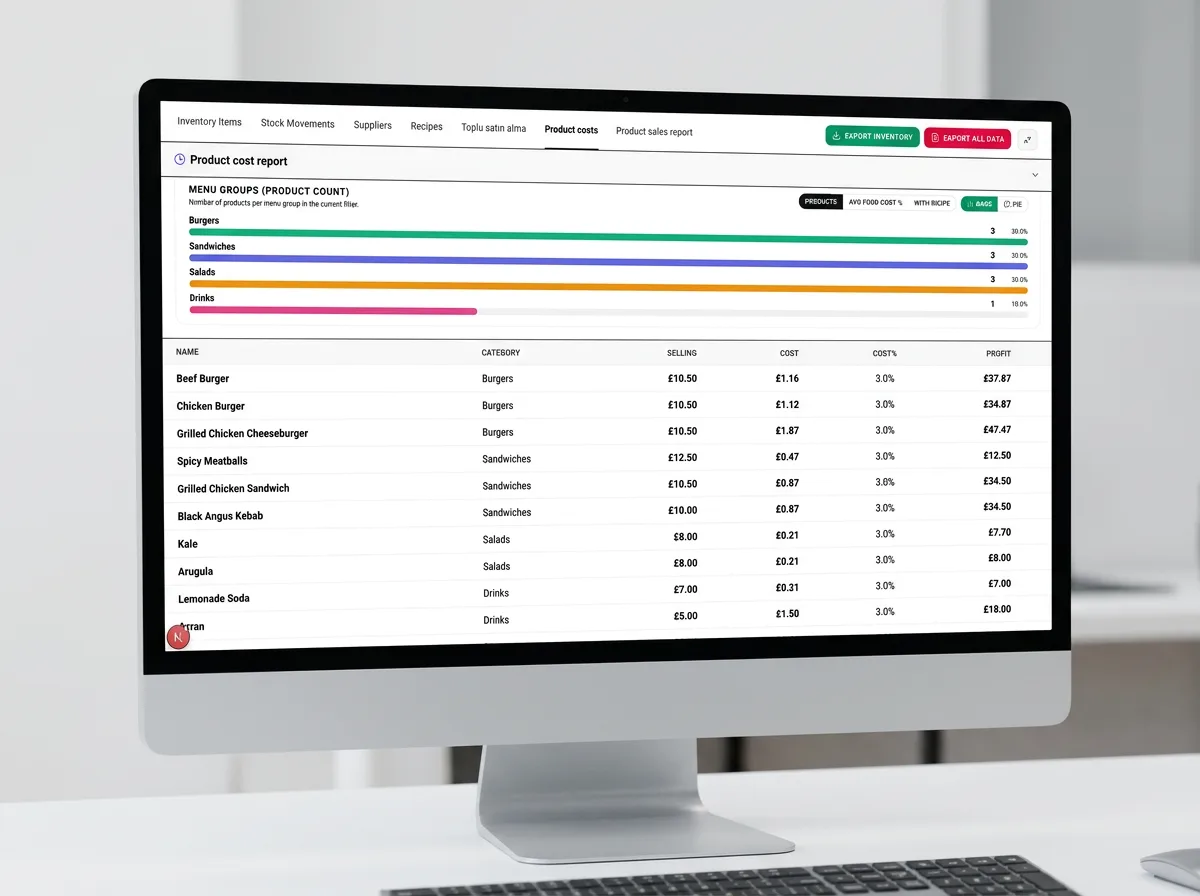
Cost by Menu Group
Visual cost breakdown by menu group with product counts — spot high-cost categories before they erode margin.
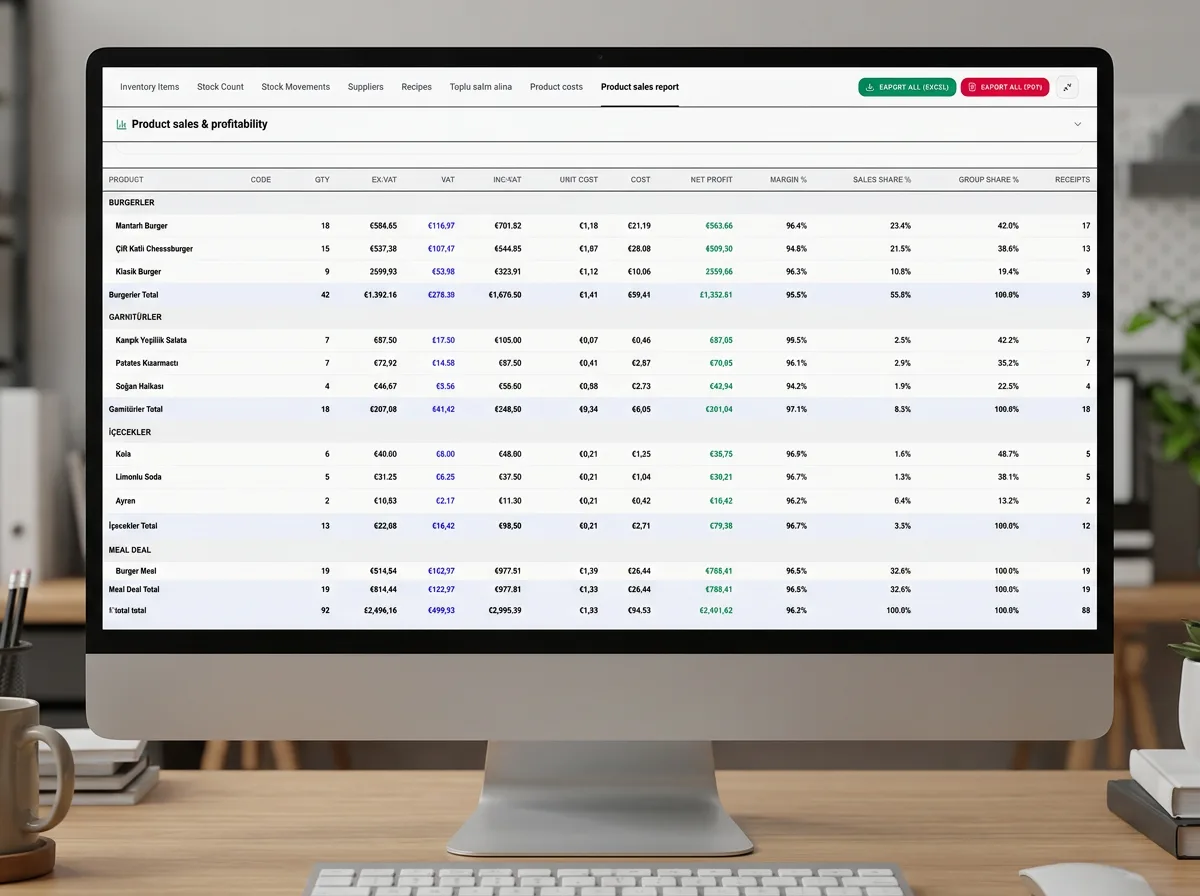
Sales & Profitability (Detail)
Line-level sales and profitability table for deep margin analysis on individual products and combinations.
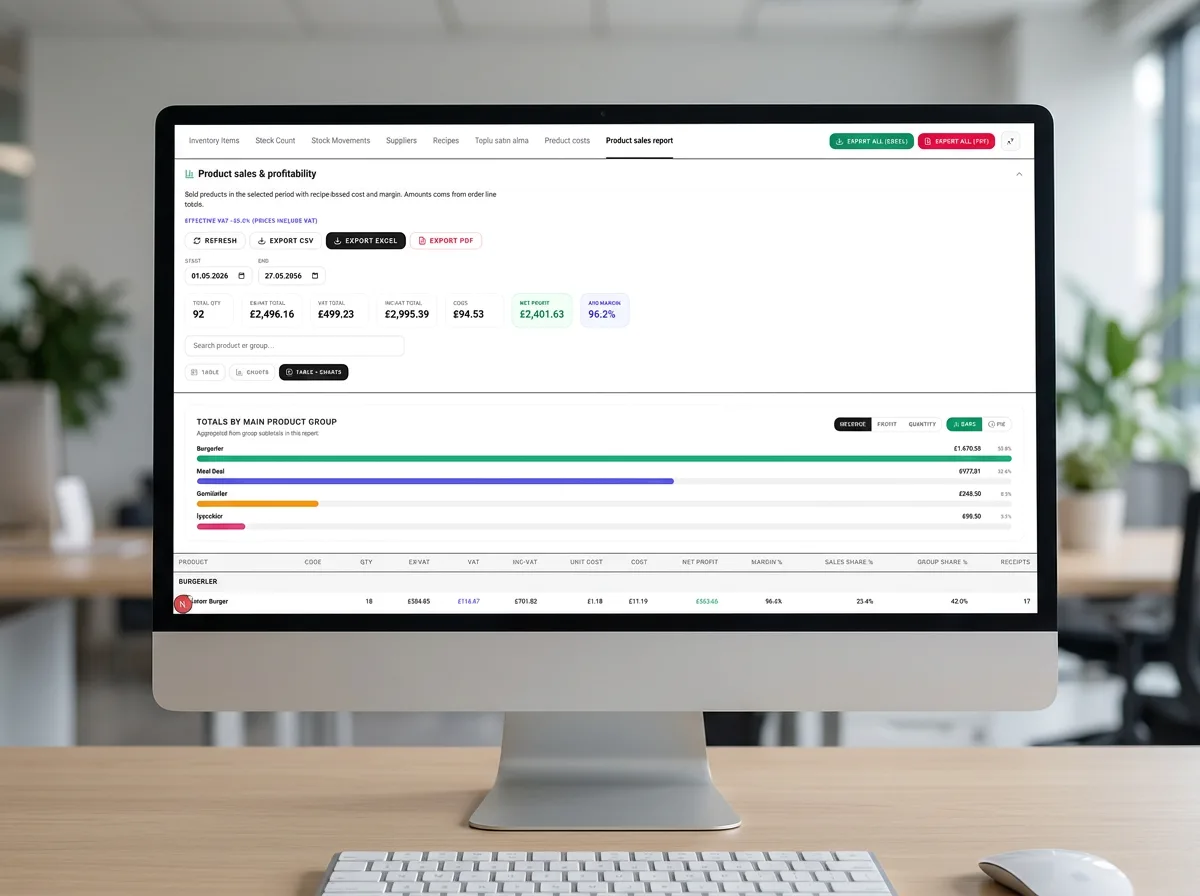
Sales & Profitability (Summary)
Summary profitability view for managers who need a quick read on performance without drilling into every SKU.
07.Finance
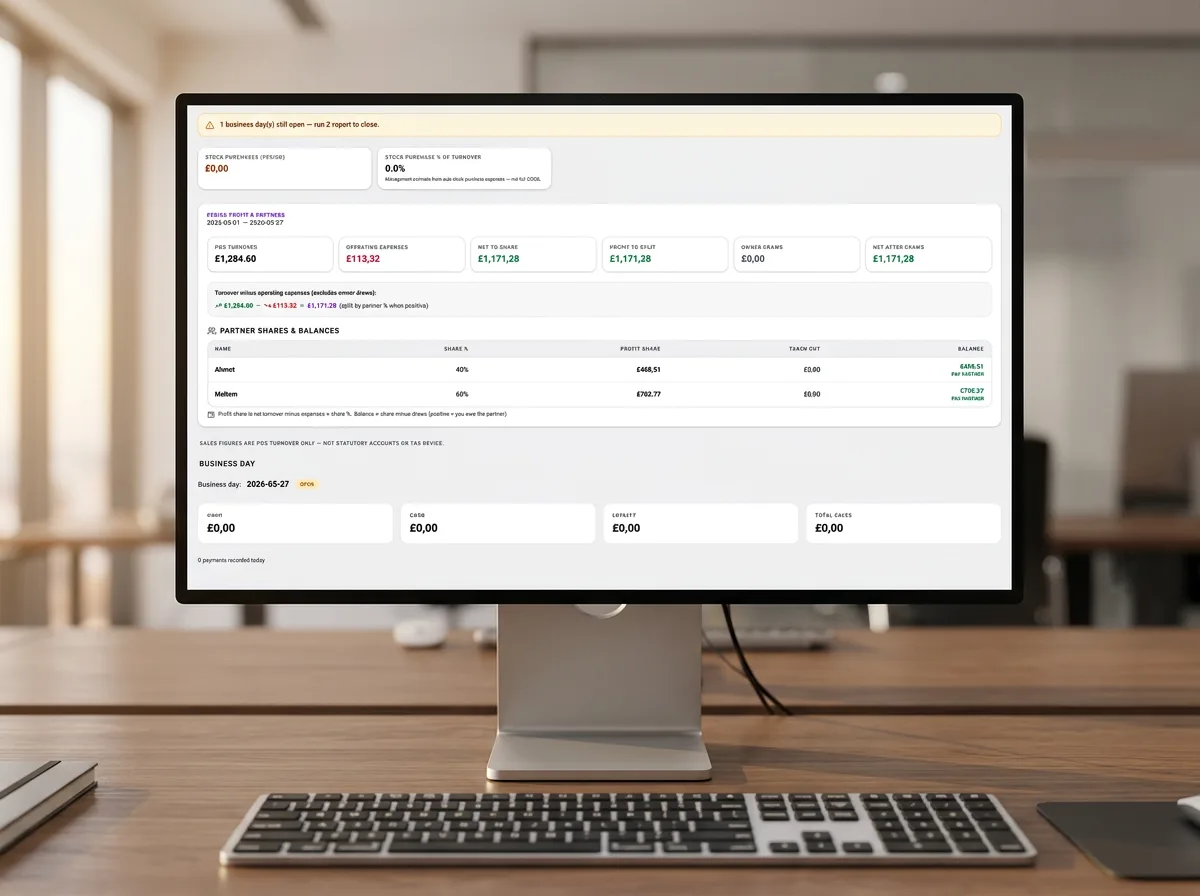
Finance Overview
Financial analytics with partner salaries, business gap insights, and bank turnover history for owner-level control.
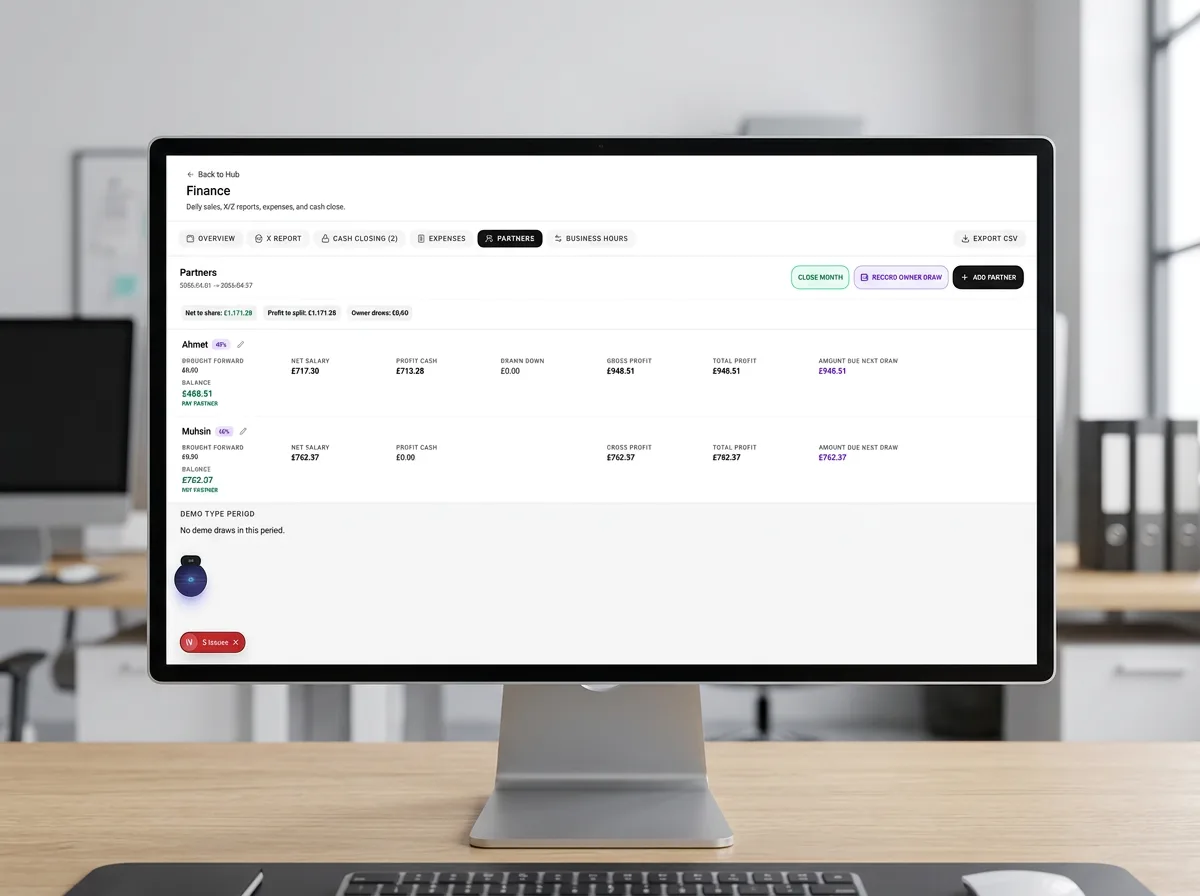
Finance Partners & Expenses
Partners, expenses, cash cleared, and business tabs with date-range filtering for day-to-day accounting workflows.
08.Staff, Loyalty & Settings
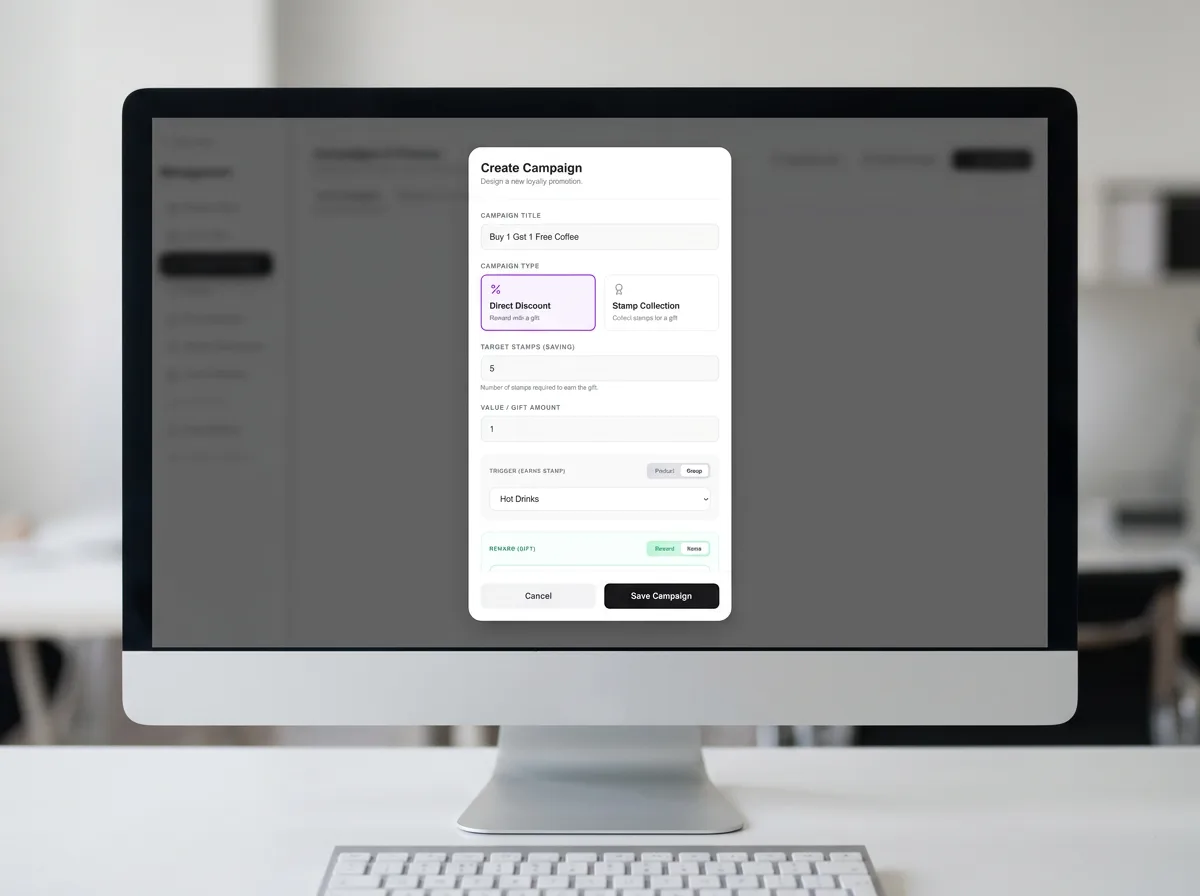
Loyalty & Campaigns
Create stamp-based loyalty campaigns, drive discounts, and reward repeat guests with structured promotion rules.
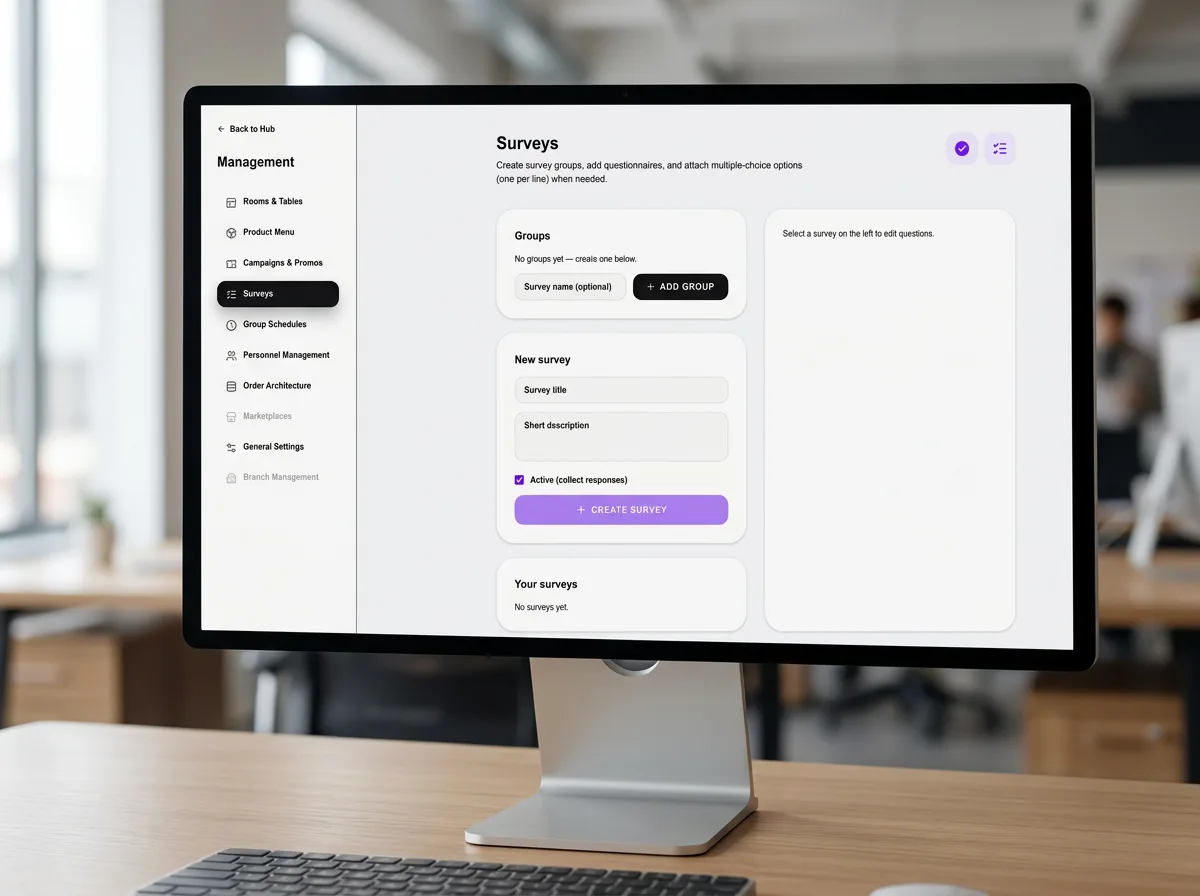
Guest Surveys
Build survey groups and questionnaires to capture guest feedback and measure satisfaction after visits.
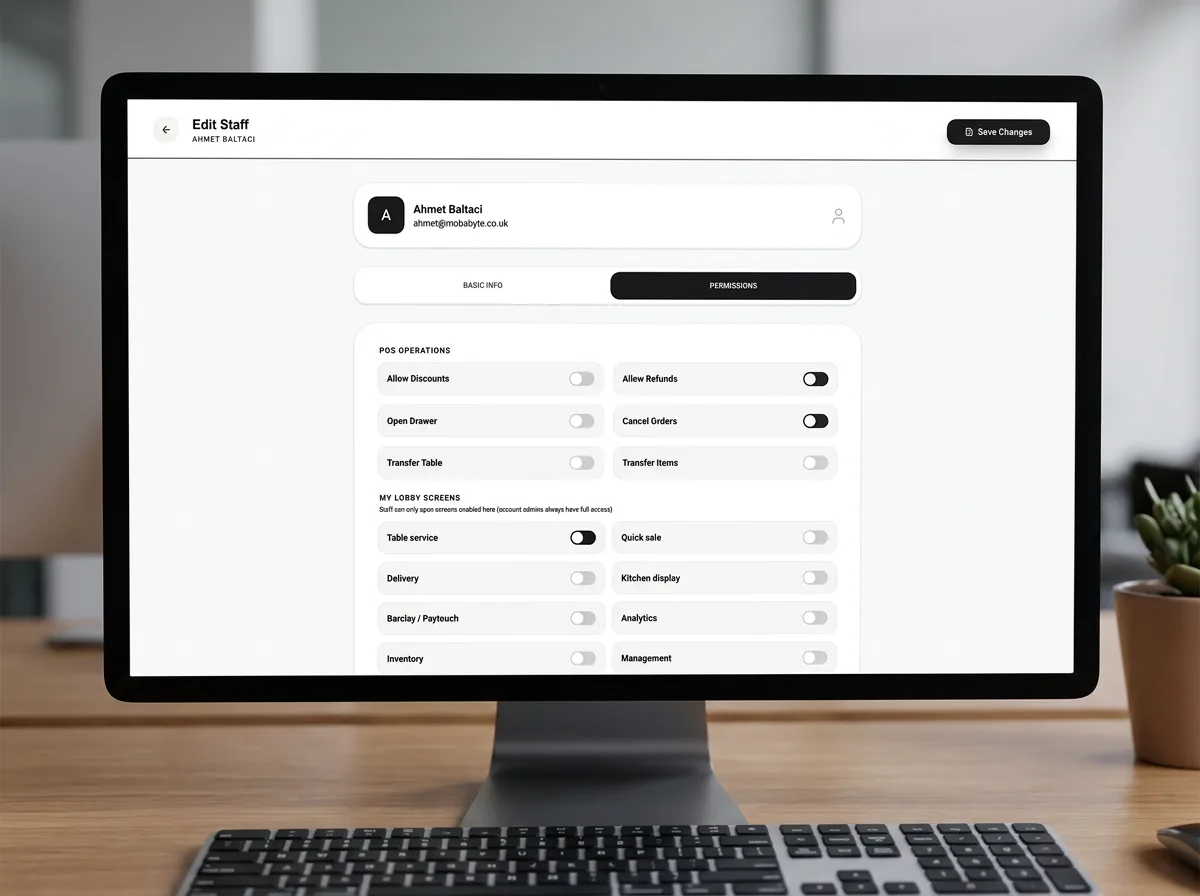
Staff & Permissions
Edit staff profiles, work roles, and POS permissions — discounts, voids, and sensitive actions behind role control.
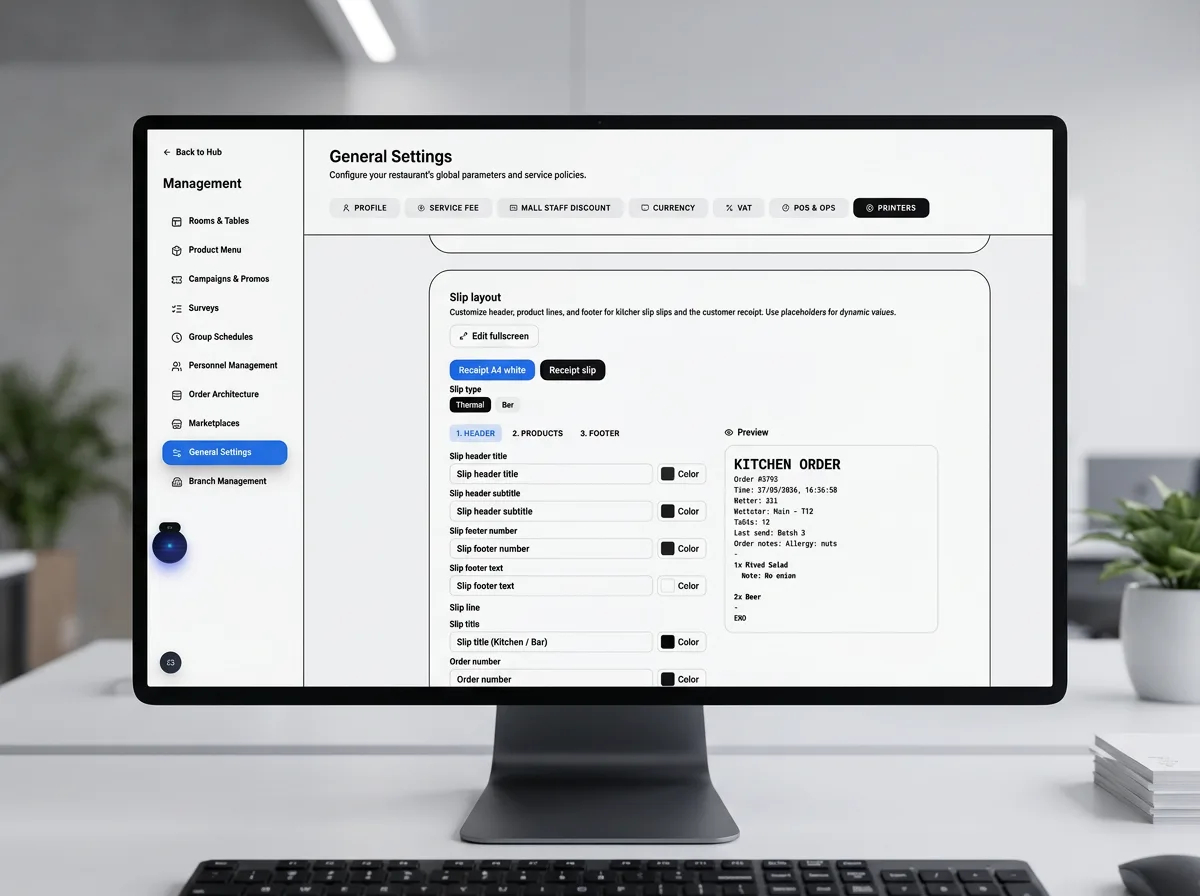
General Settings
Receipt layout, slip type, thermal or bar printer formats, and venue-wide configuration for tills and back office.
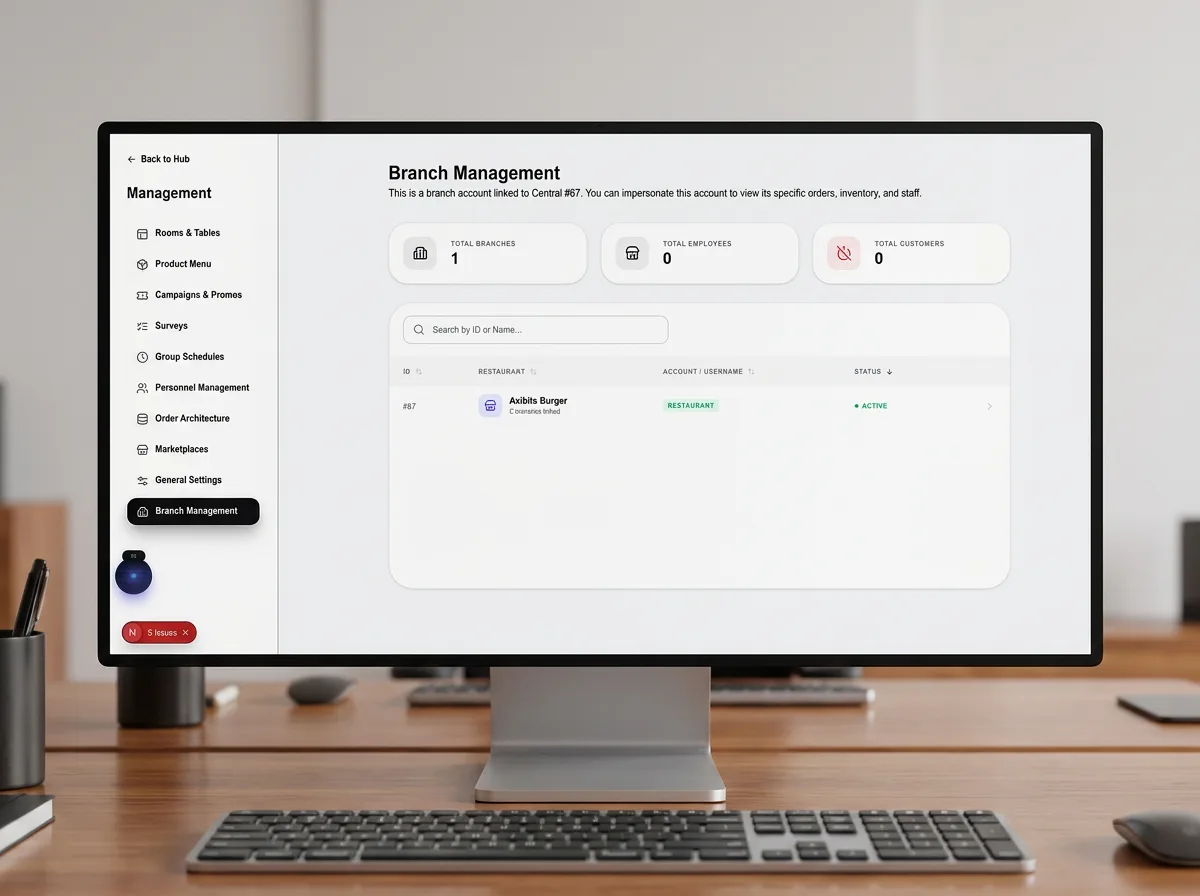
Branch Management
Multi-site hierarchy with branch statistics, search, and central oversight of employees and customers across outlets.
09.Inventory & Recipes
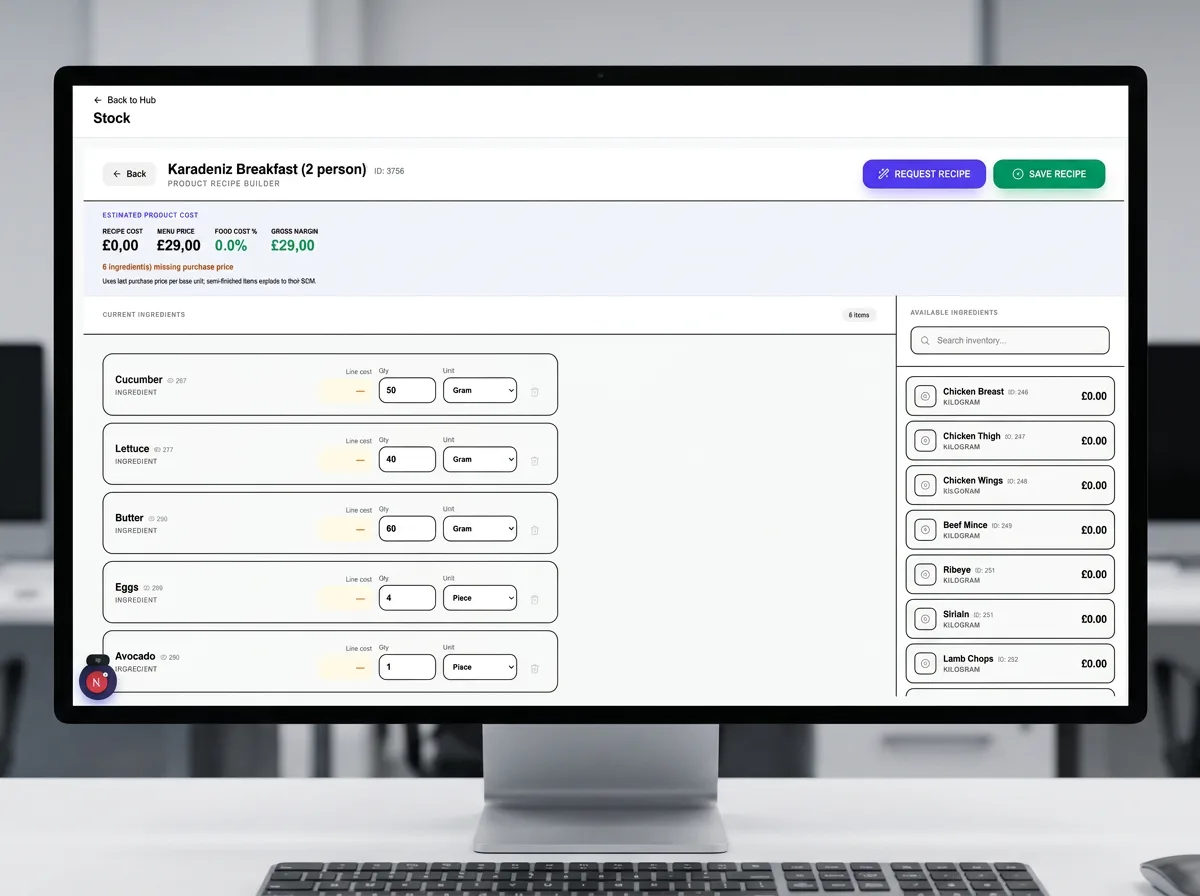
Recipes & Ingredients
Link products to ingredient lists with cost vs selling price — recipe explosion drives automatic stock on order complete.
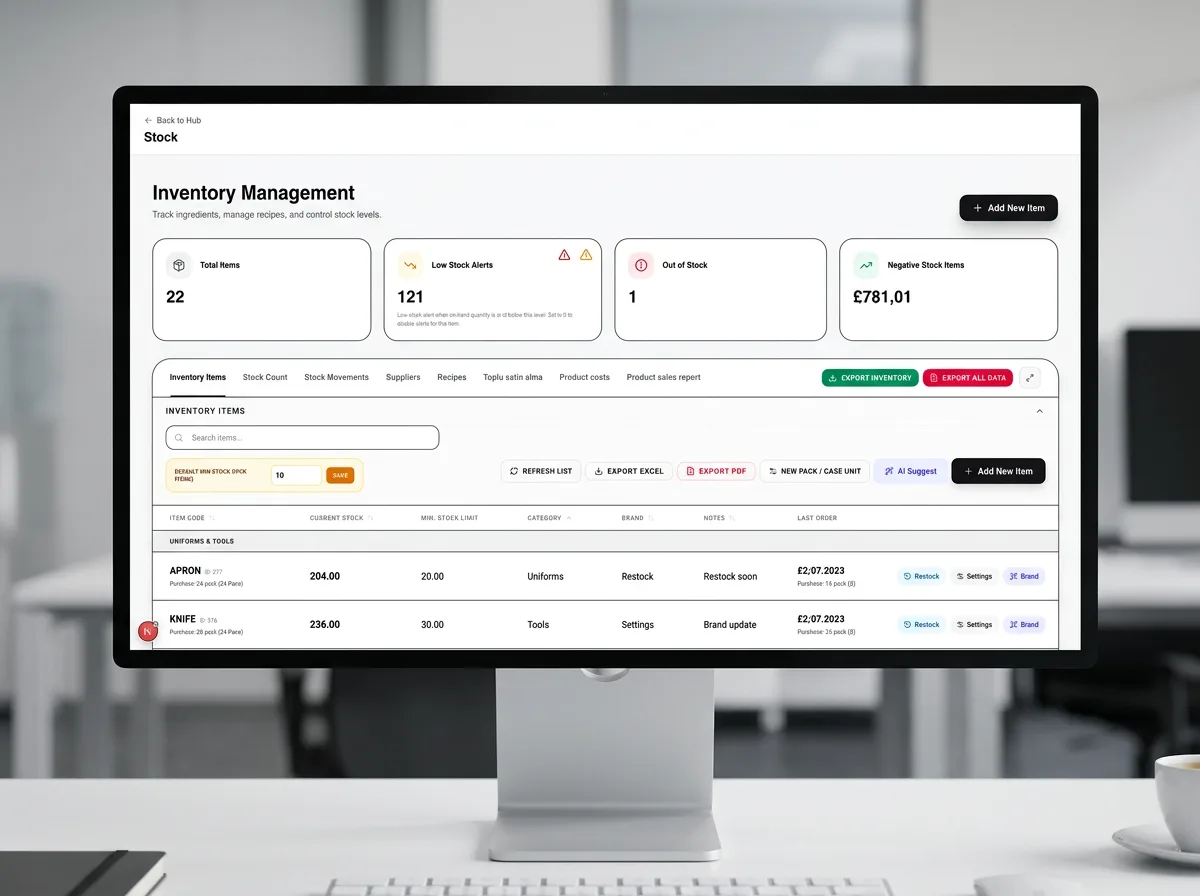
Inventory Management
Stock levels, low-stock alerts, out-of-stock flags, and new item intake — inventory tied to sales and recipes.
10.Guest Experience & Digital
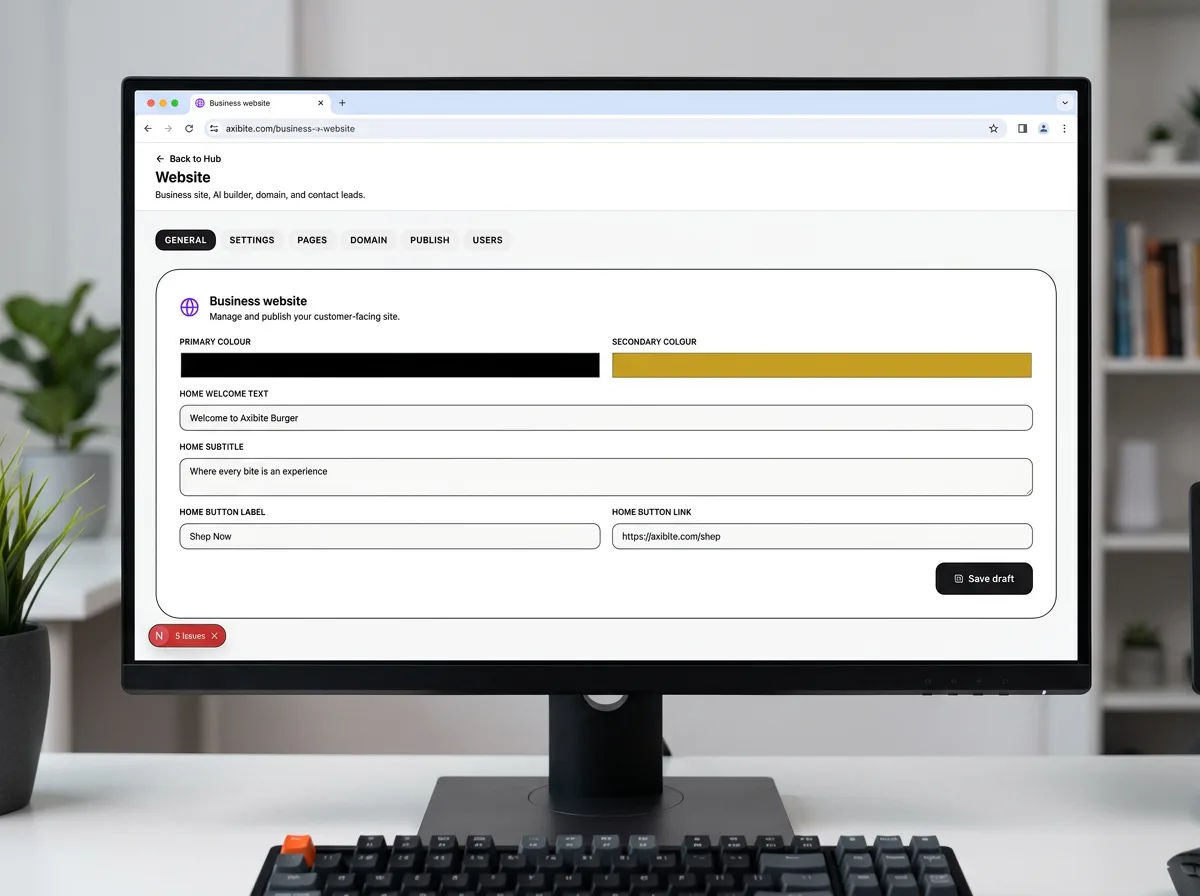
Business Website
Manage and publish your customer-facing site — pages, domain, and publish workflow from the same platform as your POS.
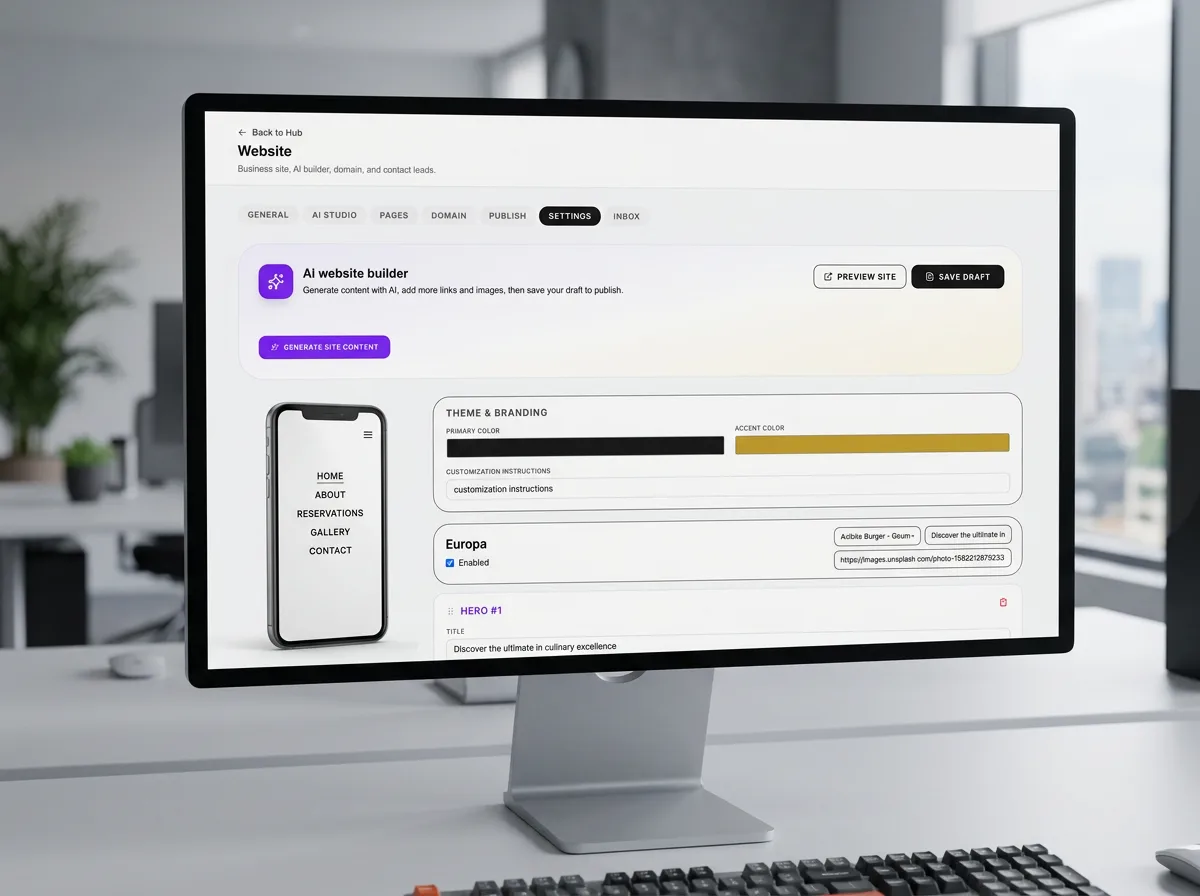
AI Website Builder
Generate website content with AI, add links and images, then preview and save drafts before publishing live.
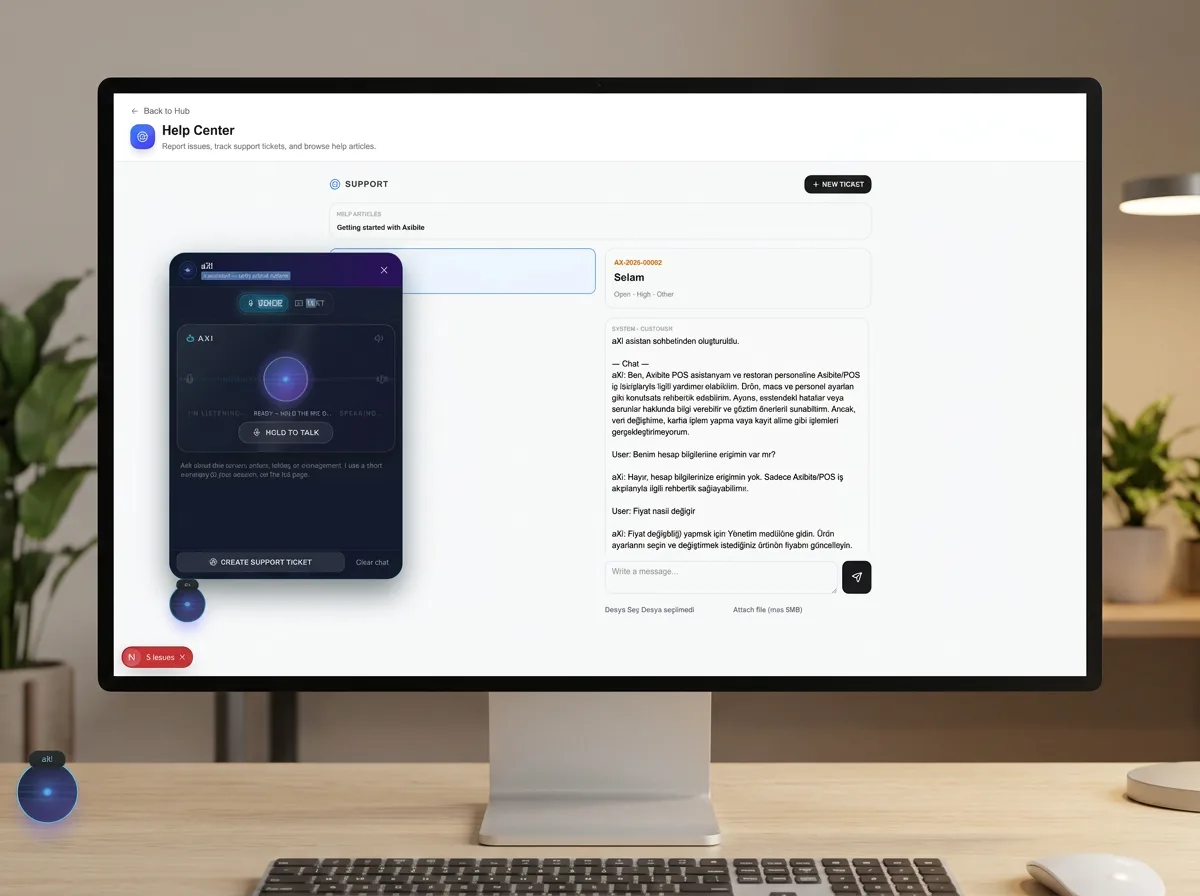
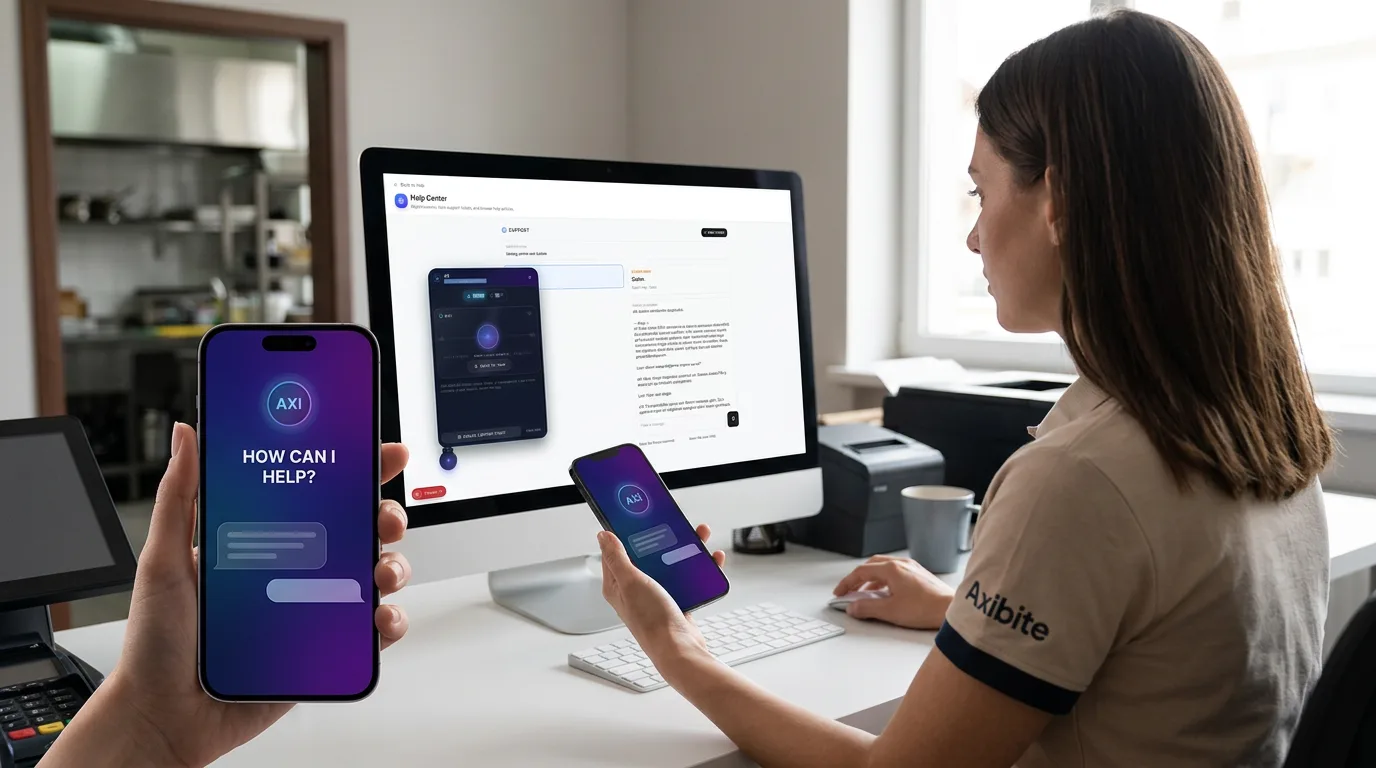
Help Center & AI Assistant
In-app help with Support CRM tickets, knowledge base, and the licensed aXi assistant for staff guidance.
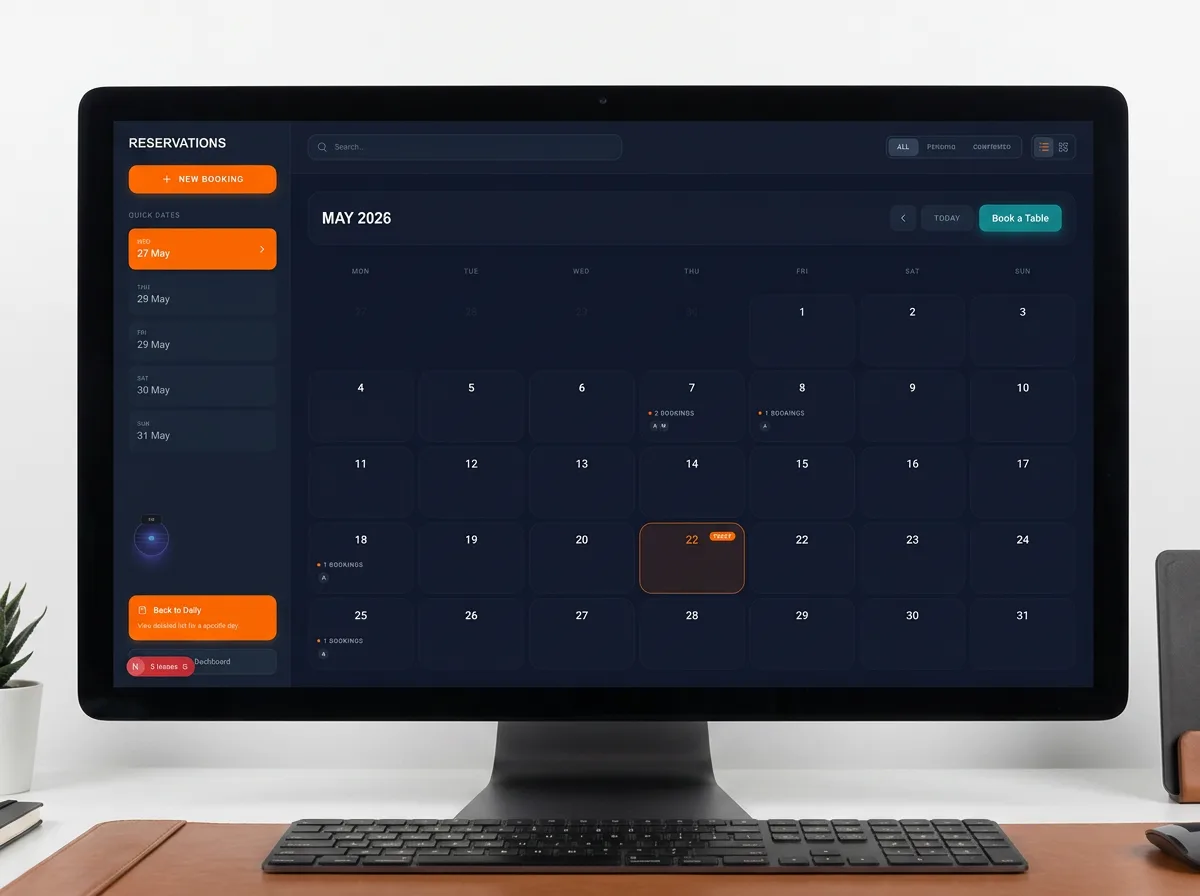
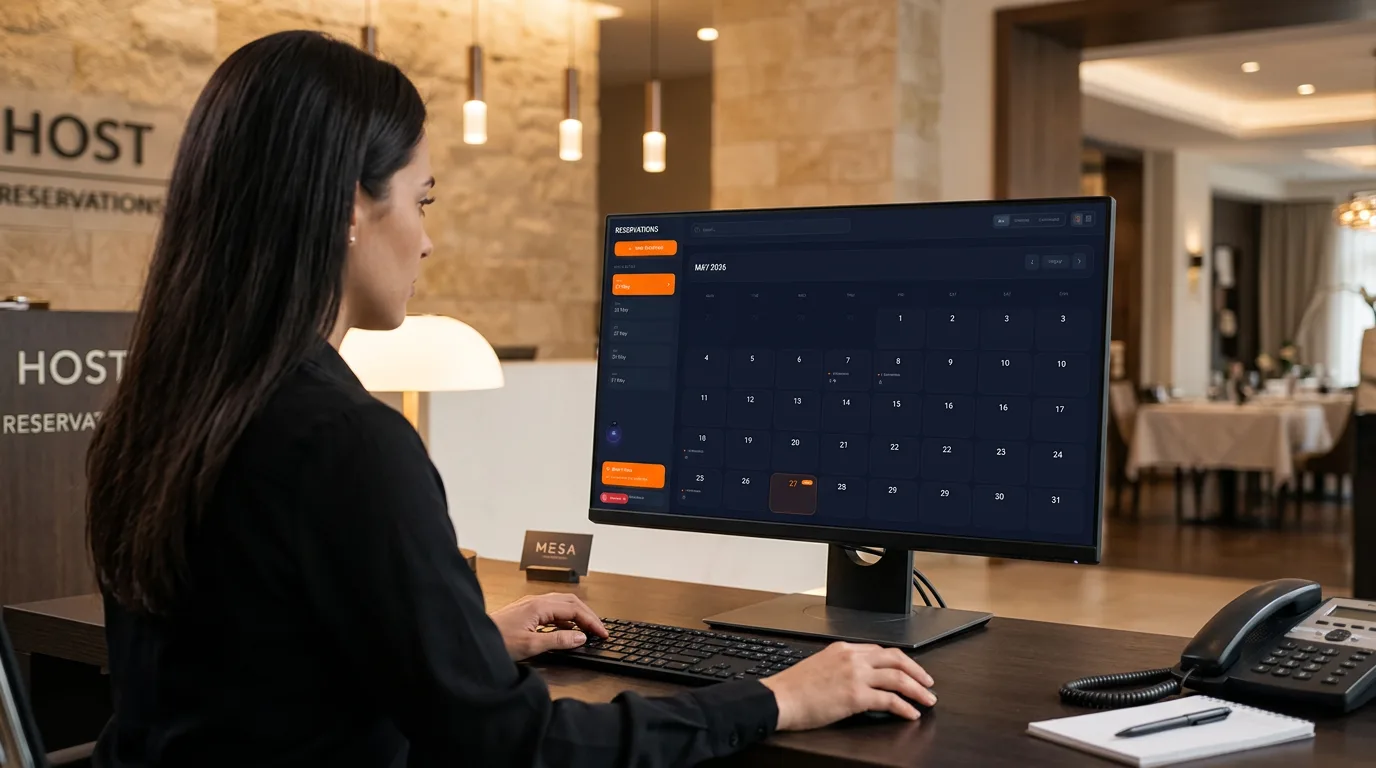
Reservations
Calendar-based bookings with new reservation flow, today view, and table allocation integrated with dine-in service.
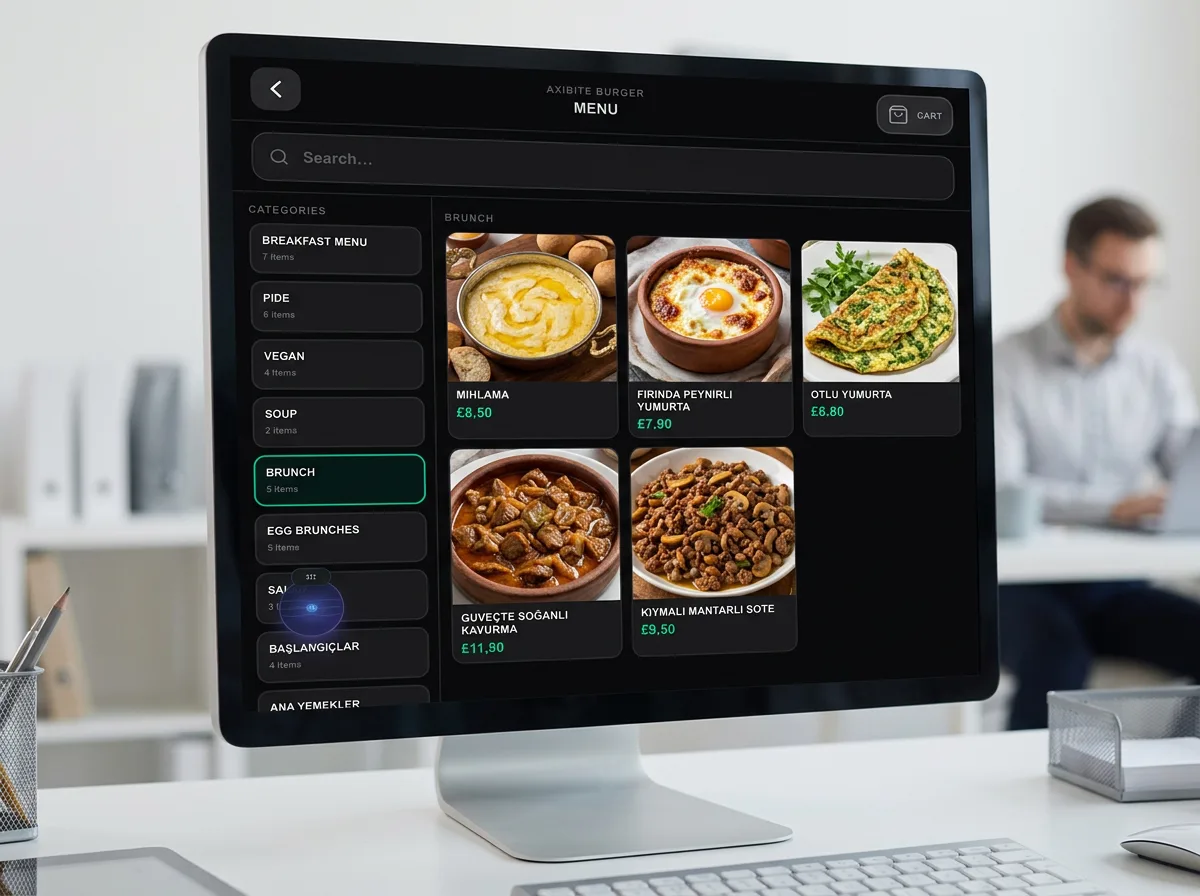
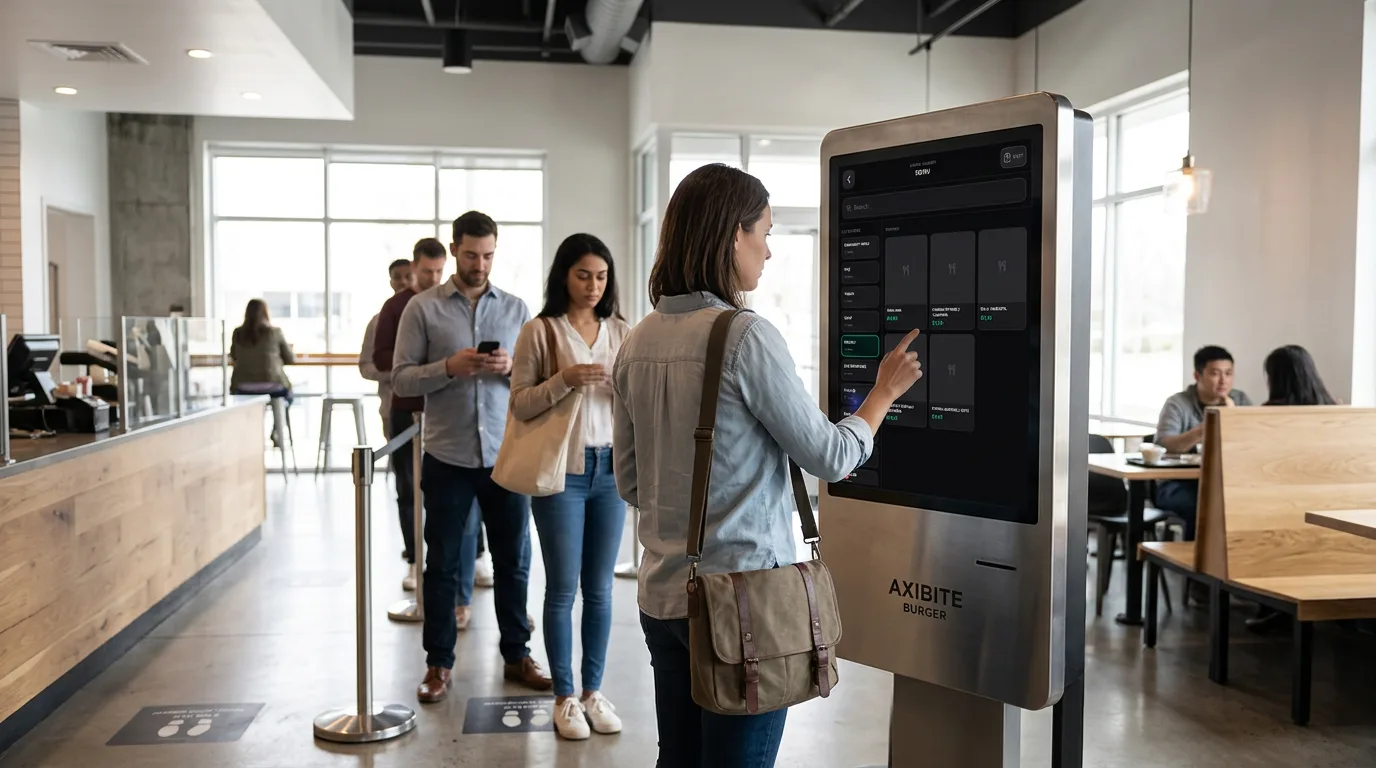
Self-Service Kiosk
Touchscreen kiosk menu for guests to browse categories, build orders, and pay without queuing at a staffed till.
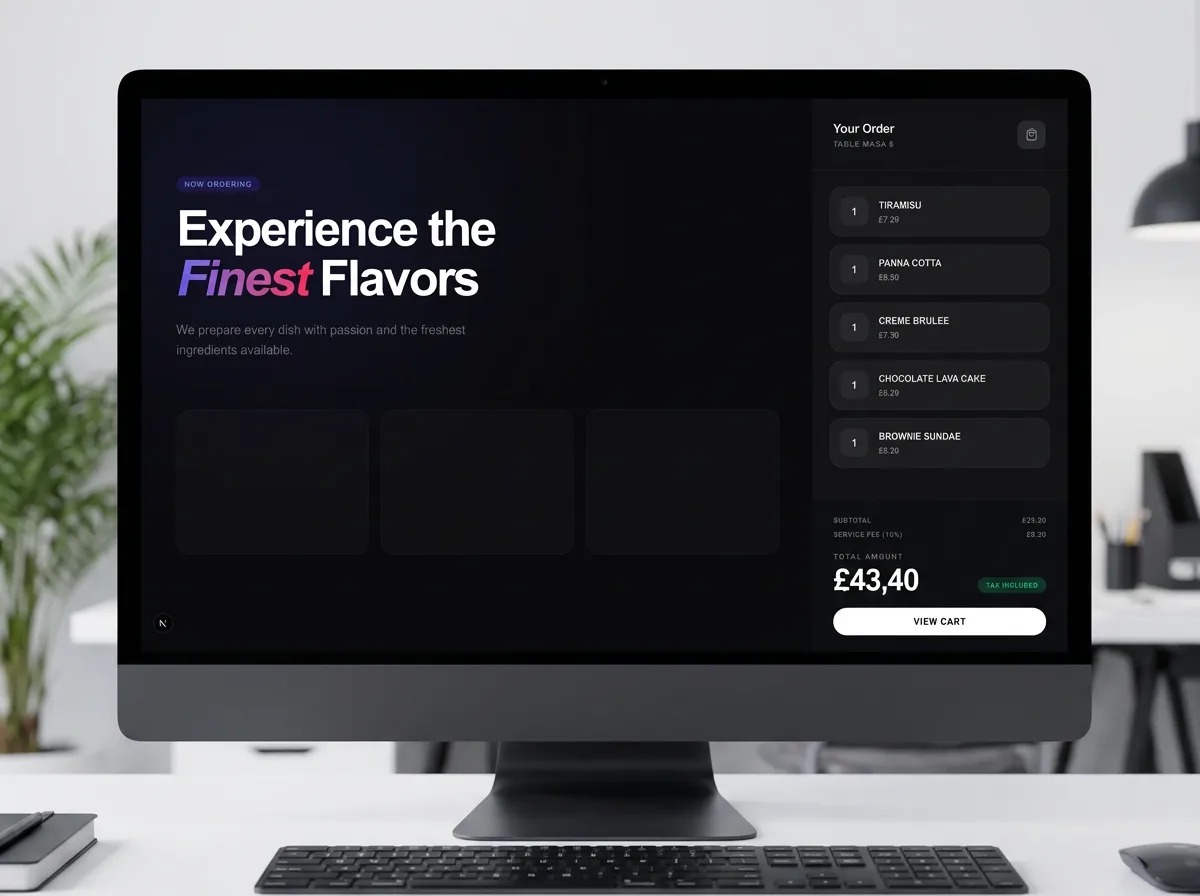
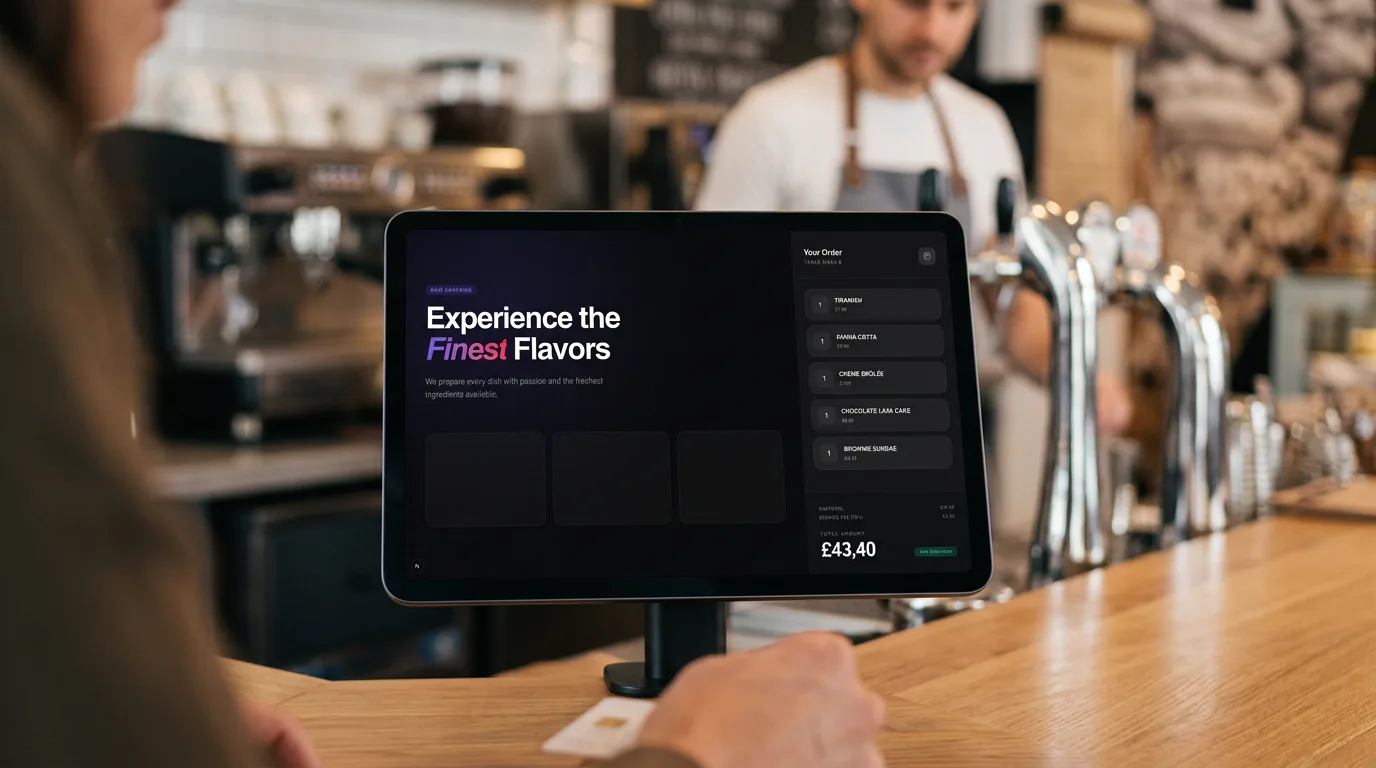
Customer-Facing Display
Counter-facing screen showing brand messaging and live order summary while guests wait to pay or collect.
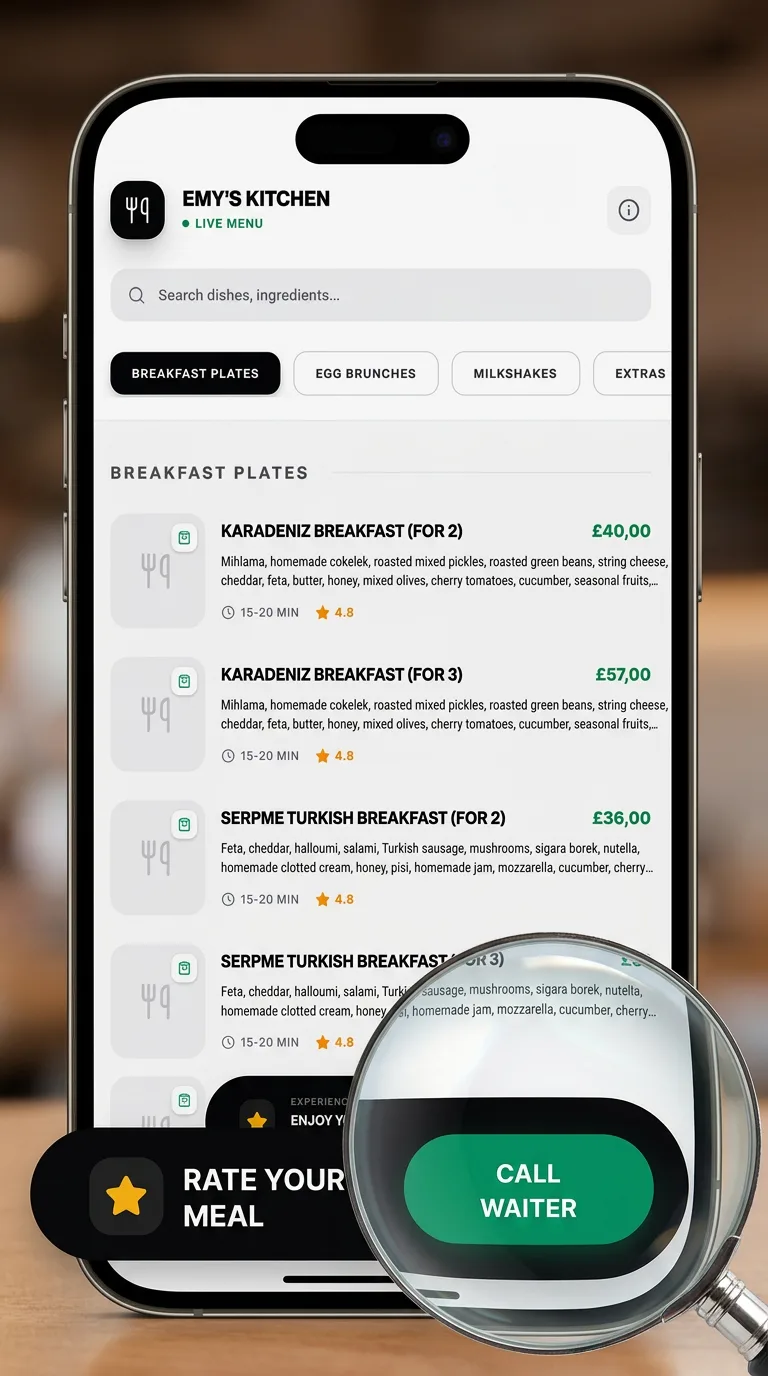
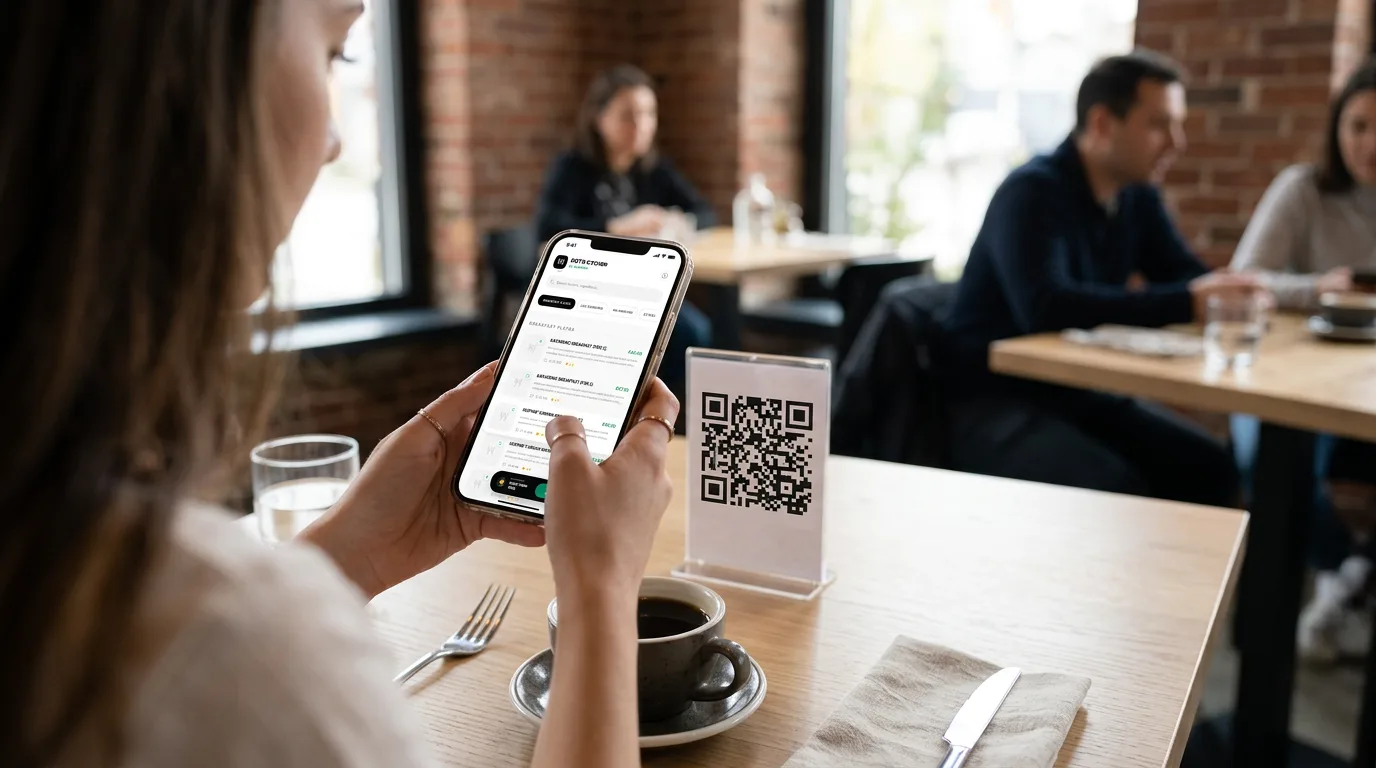
QR Guest Digital Menu
Guests scan a table QR code to browse your digital menu, place orders, and use call-waiter with geofencing where enabled.